Property Manager Gate Access: Manage Tenants, Cleaners, and Contractors Without the Mess
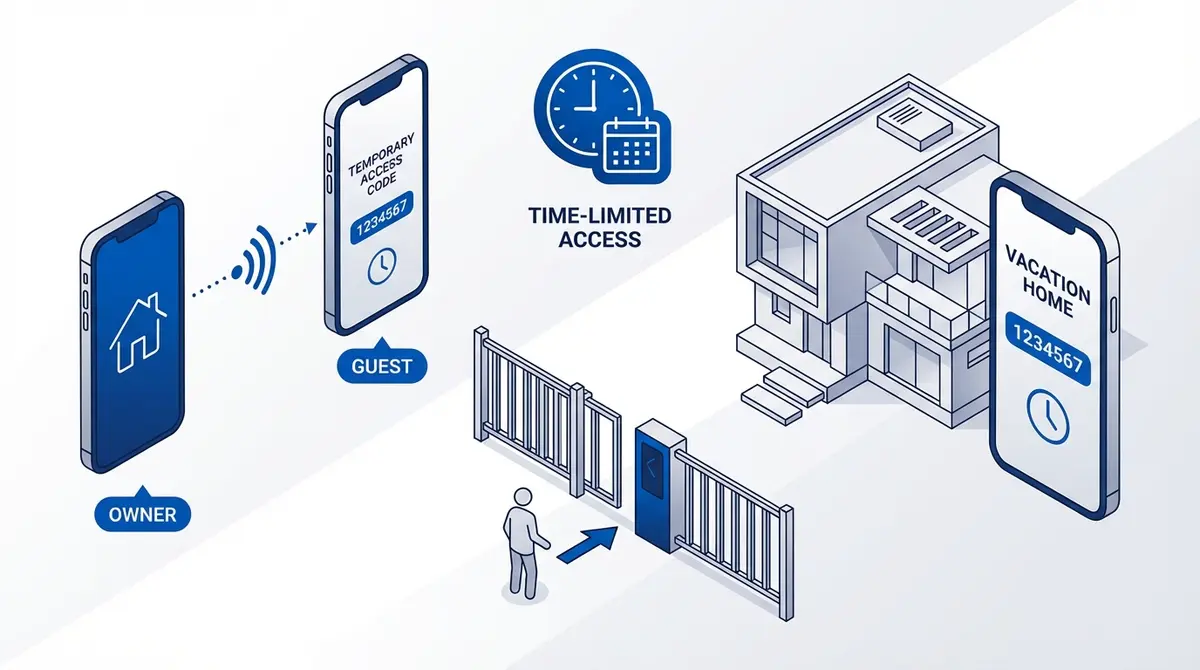
Property managers running multiple buildings hit the same wall: how do you grant gate access to rotating tenants, cleaners, and contractors without losing track of who can open which gate? This guide compares physical key fobs, shared SMS codes, and the GateOpener app's per-gate access lists with audit trails.
At a glance
For property managers running multiple buildings: stop using shared gate codes. Use per-tenant authorized phone numbers instead — each tenant, cleaner, and contractor gets a slot on the GSM module, and you delete the slot when they leave. The GateOpener app manages this across unlimited gates with an activity log showing every open per person, and automatic expiry on lease end dates.
Property managers running multiple buildings hit the same wall: how do you grant gate access to a rotating cast of tenants, cleaners, and contractors without losing track of who can open which gate? Three patterns are common in the wild. Two of them are awful. One is fine.
Pattern 1: Physical key fobs (the old way)
A fob per tenant, returned at lease end. Cleaners and contractors carry a master fob.
The good: familiar, no batteries on the fob side.
The bad: fobs get lost, lent, copied. When a tenant doesn't return their fob, you either pay to re-key the entire system or live with the risk indefinitely. There is no audit trail of who came in when, and the master fob in the cleaner's pocket is a single point of failure.
Pattern 2: Shared SMS gate codes (the worst way)
The gate password is in every welcome pack. Tenants and cleaners type the SMS command themselves to trigger the gate when needed.
The good: nothing to issue or recover — you just hand out the code.
The bad: the gate password is now known to everyone who has ever lived in or worked on the property. There is no way to revoke without rotating the code, which means reissuing it to everyone who still legitimately needs it. Codes leak — a tenant forwards their welcome message, the cleaner's apprentice sees the SMS history — and there is no audit trail of who triggered the gate.
Don't do this. The whole point of a GSM module supporting per-user authorization is that you don't have to.
Pattern 3: Per-tenant authorized numbers (the right way)
Every tenant, cleaner, and contractor gets their own slot on the GSM module's authorized list. They open the gate by calling the module's SIM number from their own phone — no codes, no fobs, no passwords typed into a phone keypad.
This works because the GSM module recognizes the caller ID and silently pulses the relay only for authorized numbers. Unauthorized calls are answered, ignored, and disconnected — they cost the caller nothing and never trigger the gate.
The good: revocation is one SMS or one tap in an app. Every open can be logged with the caller's name. Lost-phone problem is solved by deleting the slot — no rekeying. Cleaners working across multiple buildings get a single phone number registered at every property.
The bad: requires the tenant to have a working phone number (true for >99% of cases). Setting up the per-tenant slots requires either typing SMS commands per addition or using an app.
A working multi-property workflow
Here is the workflow my property-manager users run:
- One GSM gate opener module per property. Each module has its own SIM number that only the manager and gate-authorized people know.
- Reserved slot ranges per category — slots 001-049 for permanent staff and management, 050-199 for tenants, 200-300 for temporary cleaners and contractors.
- When a tenant signs a lease, their phone number is added to the next free slot in the tenant range with a lease-end date attached (GateOpener does this automatically).
- When a tenant leaves, the slot is freed — automatically if the lease-end date has passed, manually if they leave early.
- Cleaners and contractors get their phone number added to every property they serve, in the contractor range. When the contract ends, one mass delete clears them from every property.
- The activity log is reviewed monthly — anomalies (a tenant opening the gate at 3am, an unknown number attempting access repeatedly) get flagged.
Which hardware for property management?
Pick based on the size of your authorized list per property and whether you need time-of-day windows:
- Under 50 authorized users per gate, no time windows needed: RTU5024 (4G). Cheapest, supports 999 users, simplest commands.
- Need time-of-day access for cleaners (e.g. Mon-Fri 09:00-17:00 only): Callny G202 PLUS. Time-window access is built into the firmware.
- Two gates per property (pedestrian + vehicle): Callny G203 or RTU5025, depending on which protocol you prefer.
- 2G shutdown already happened or imminent: RTU5035. LTE-only, drop-in replacement for the RTU5024.
Ready to ditch SMS commands?
GateOpener replaces cryptic codes with a clean interface. One app for every GSM gate module. No subscription, no account needed.
Related posts
Temporary Gate Access: Guide for Guests and Deliveries
4 ways to manage temporary gate access on RTU5024 and Callny G202: manual add/remove, auto-expiring, count-limited passes, and weekly schedules. Best method for Airbnb, deliveries.
Airbnb Gate Access: How to Grant Guests Temporary Gate Codes Without Sharing Your Own
Four ways to give Airbnb guests temporary gate access without sharing your master code: dedicated SMS, time-limited authorized numbers, smart lock combo, and the GateOpener app.
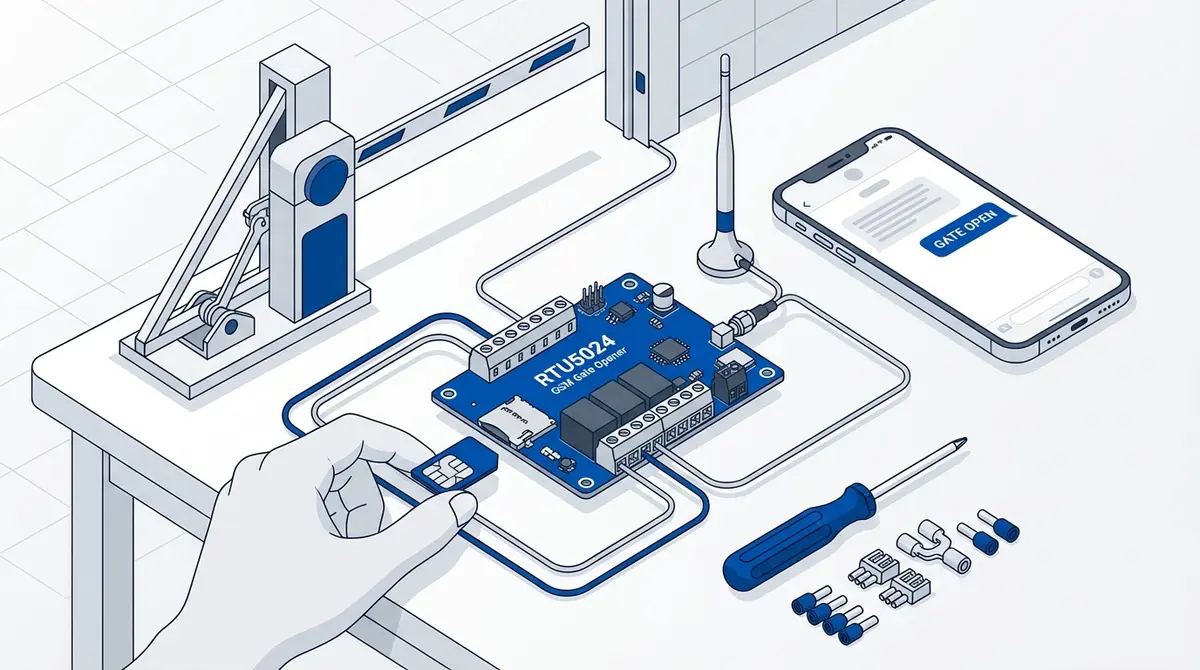
How to Set Up Your RTU5024 GSM Gate Opener
Complete RTU5024 setup guide: SIM card prep, relay wiring, password change, adding users, and testing. Covers all RTU5024 variants with step-by-step SMS commands.