At a glance
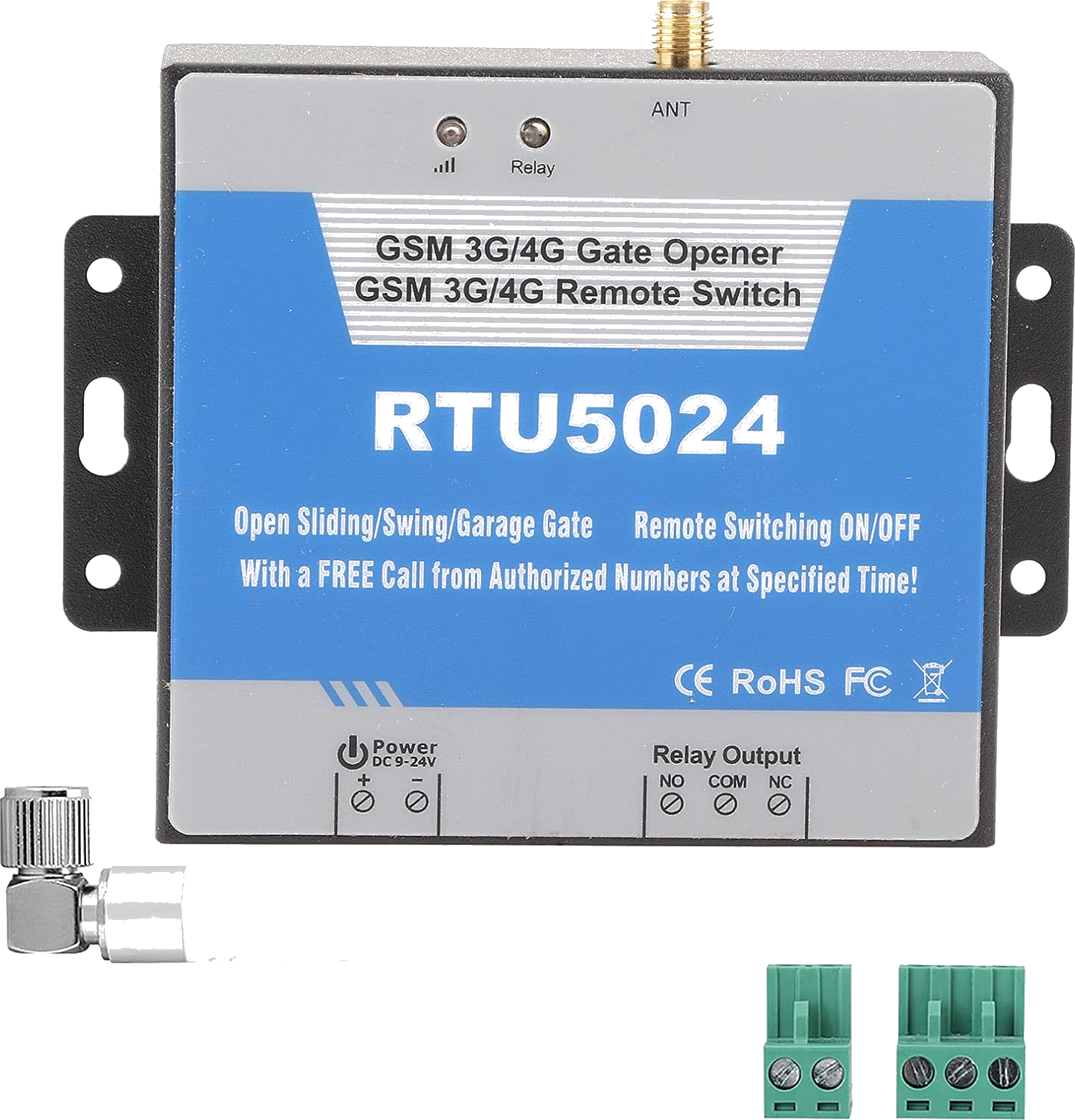
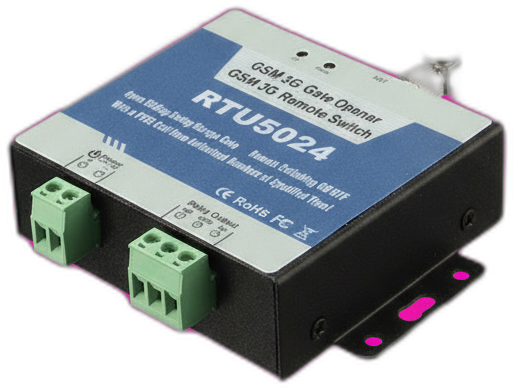
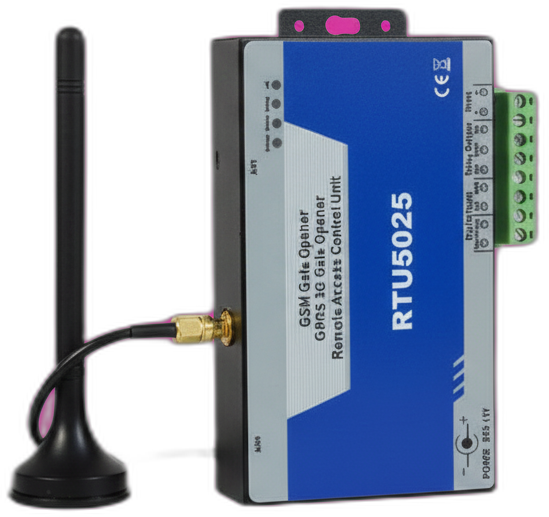
The RTU5025 is a two-relay variant of the RTU5024 from the same manufacturer family. It uses the same RTU5024 SMS command set but adds a second relay output, which is useful for sites where you want one number to open the pedestrian gate and another to open the main gate.
Last reviewed:
What the RTU5025 is
The RTU5025 is the dual-relay sibling of the RTU5024. Same modem, same default password (1234), same 999-user capacity, same SMS command set — but two independent dry-contact relays instead of one. Each authorized user is assigned to relay 1 or relay 2 (or both) at the time you add them.
It is less common than the RTU5024 because most residential installations only need a single relay. The RTU5025 is typically sold to small commercial sites — apartment building entrances, mixed pedestrian/vehicle gates, and parking barriers where two motors share one controller.
How it works
Identical to the RTU5024 except for the user-add syntax: when you add an authorized phone number, you specify which relay (1 or 2) it should pulse. A given user can be assigned to relay 1 only, relay 2 only, or both. Calls from an assigned phone close the matching relay for the configured GOT (gate open time) duration.
Wiring is the same as the RTU5024 — two pairs of dry contact terminals labelled NO/COM, one per relay. Each pair connects to a separate gate motor's manual-open input.
What's in the box
- RTU5025 main unit
- SMA-connector GSM antenna
- DC power pigtail (9-36V)
- Original PDF manual
Quickstart setup
A 15-minute walkthrough to get the RTU5025 from boxed to working. For the full guide with example SMS responses and error handling, see the RTU5025 setup guide.
- Prepare a SIM card. Standard SIM, PIN disabled, voice + SMS plan active.
- Power the unit. Connect DC 9-36V, attach the antenna, wait for the slow-blinking SIGNAL LED.
- Change the default password. Send PWD1234{new-password} (six digits).
- Add a user to relay 1. Send {pwd}A001#+phone#1# — note the trailing #1# specifying relay 1.
- Add a user to relay 2. Send {pwd}A002#+phone#2# for relay 2.
- Test. Call the SIM from each authorized number — confirm the correct relay pulses.
Common issues and fixes
Both relays trigger when only one should
The user was added with the wrong relay flag. Delete and re-add: send {pwd}D{slot}# to remove, then re-add with the correct trailing #1# or #2#.
Relay 2 never responds
Check the relay terminal wiring — RTU5025 ships with relay 2 unconnected by default. Also confirm at least one user has been added to relay 2 with the #2# suffix.
Hitting a problem not listed here? The full troubleshooting guide covers the seven most common failure modes in detail.
Frequently asked questions
What is the default password for the RTU5025?
How many authorized phone numbers can the RTU5025 store?
Does the RTU5025 need a SIM card?
What manufacturers sell the RTU5025?
Can I use the RTU5025 with the GateOpener app?
Buying tips
- Only buy the RTU5025 if you genuinely need two independent relays. Most single-gate installations are simpler and cheaper with the RTU5024.
- Confirm the seller lists 'dual relay' explicitly — some listings conflate RTU5024 and RTU5025 model numbers.
Also sold as
King Pigeon RTU5025, BLIIoT RTU5025, Huobei RTU5025. Same firmware family as RTU5024.