At a glance
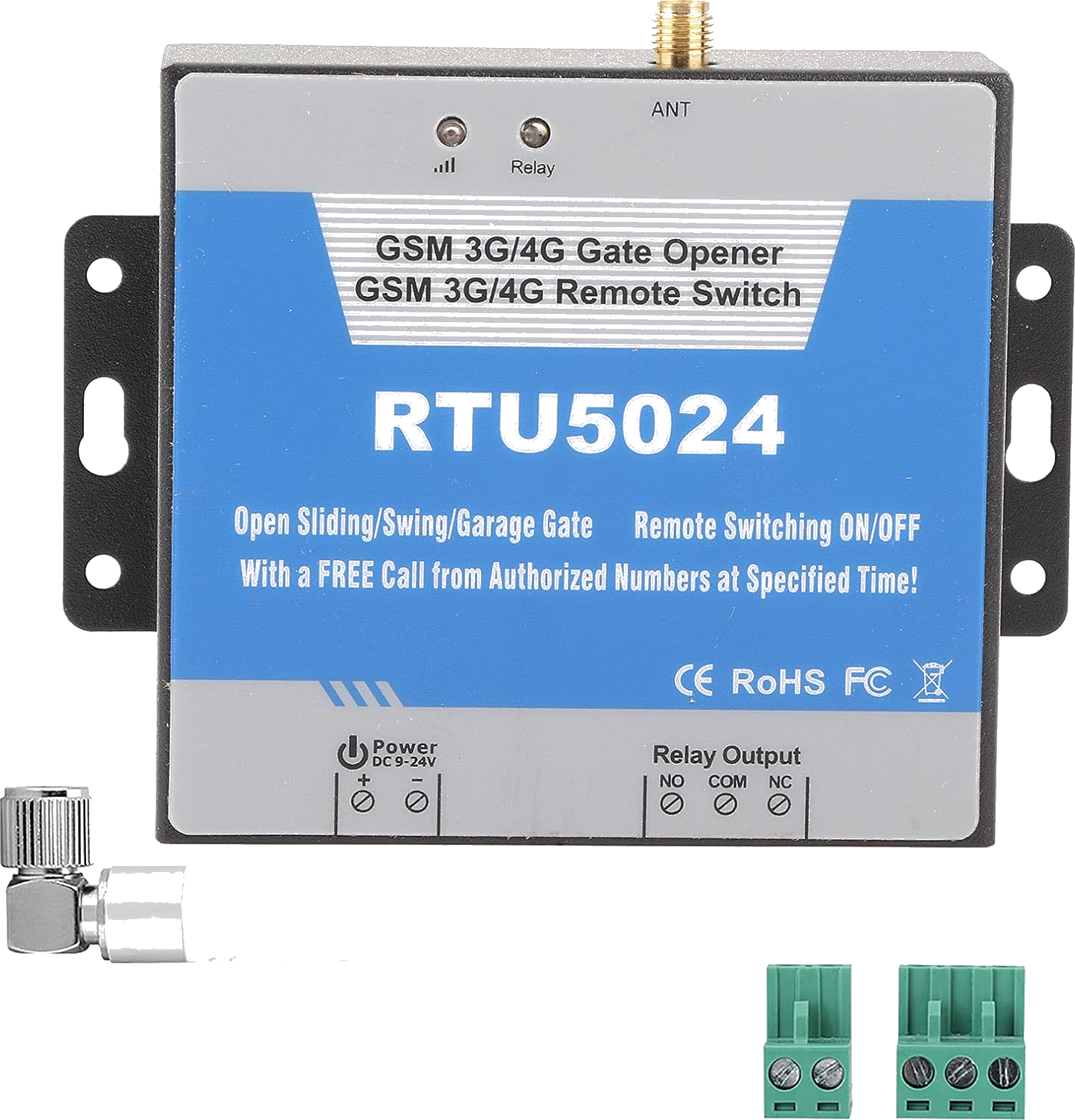
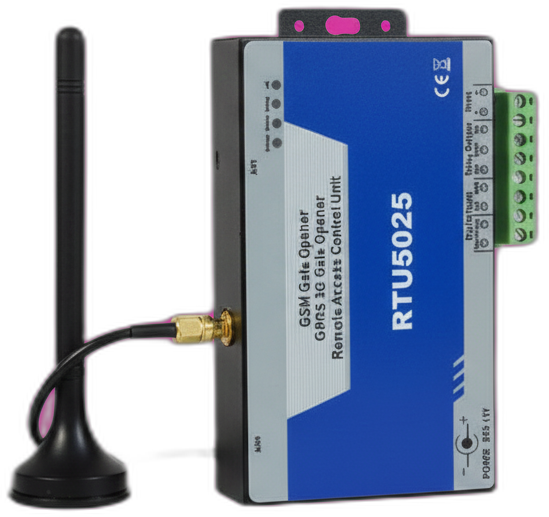
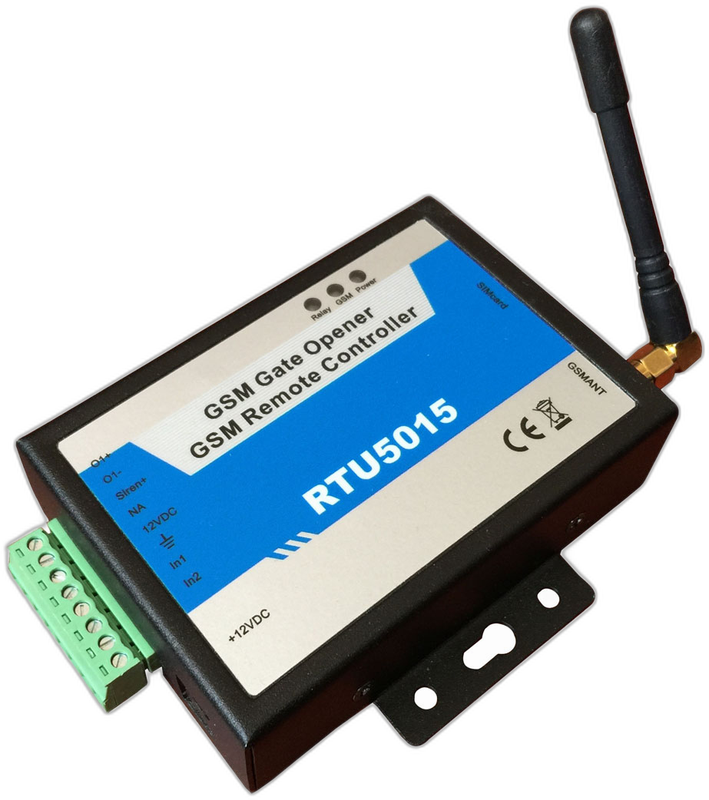
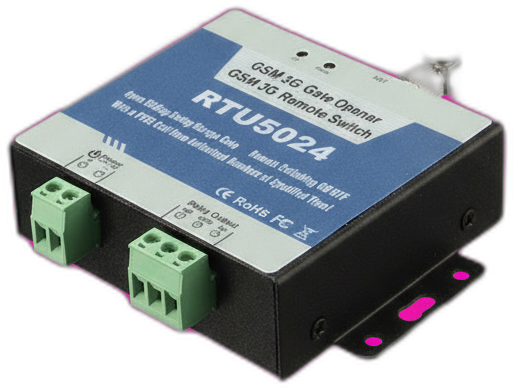
The RTU5035 is a 4G-LTE-only successor to the RTU5024 from BLIIoT. Functionally identical — same default password 1234, same 999 users, same SMS commands — but with a more modern Quectel modem that is properly certified for European, UK, and Australian 4G bands.
Last reviewed:
What the RTU5035 is
The RTU5035 is the 4G-only update of the RTU5024 platform. The 2G/3G fallback radios have been removed in favour of a dedicated Cat-M1 / LTE modem, which makes it the safer choice in markets where 2G shutdown has already happened (UK, Netherlands, Australia, Singapore) or is imminent.
Hardware-wise, it is otherwise the same as the single-relay RTU5024 — one dry-contact relay, 999 user slots, password-protected SMS commands, no internet or app required.
How it works
Same as the RTU5024. Authorized phones call the SIM, the modem detects the call ID, hangs up, and pulses the relay. SMS commands are identical down to the syntax.
Because the modem is LTE-only, the antenna gain matters more than on the RTU5024 — LTE coverage at the gate location should be -100 dBm RSRP or better for reliable operation. Use the bundled high-gain antenna; if signal is weak, mount the antenna higher.
What's in the box
- RTU5035 main unit
- High-gain LTE antenna (SMA, magnetic base)
- DC power pigtail (9-36V)
- PDF manual
Quickstart setup
A 15-minute walkthrough to get the RTU5035 from boxed to working. For the full guide with example SMS responses and error handling, see the RTU5035 setup guide.
- Prepare a 4G SIM. Use a SIM with an LTE-enabled voice plan. IoT-tariff SIMs intended for M2M devices work well.
- Power the unit and mount the antenna outside any metal enclosure. LTE signal degrades sharply inside steel boxes.
- Change the default password 1234. Send PWD1234{new-password}.
- Add authorized users. Use the same {pwd}A{slot}#+phone# syntax as the RTU5024.
- Test from an authorized phone. Call the SIM — the relay should pulse within 2-3 seconds.
Common issues and fixes
Modem registers slowly or drops connection
Weak LTE signal. Send {pwd}EE to query signal strength. If the response shows CSQ below 12, relocate the antenna higher or further from metalwork.
Voice calls don't trigger the relay
Some IoT SIMs are data-only and cannot receive voice calls. Confirm with the carrier that the SIM has VoLTE or CSFB voice enabled.
Hitting a problem not listed here? The full troubleshooting guide covers the seven most common failure modes in detail.
Frequently asked questions
What is the default password for the RTU5035?
How many authorized phone numbers can the RTU5035 store?
Does the RTU5035 need a SIM card?
What manufacturers sell the RTU5035?
Can I use the RTU5035 with the GateOpener app?
Buying tips
- Strongly preferred over the RTU5024 in any country that has scheduled 2G shutdown. The price difference is usually under €15.
- Buy from BLIIoT directly or a reputable distributor — the LTE modem inside is more sensitive to clones than the older RTU5024 hardware.
Also sold as
BLIIoT RTU5035, King Pigeon RTU5035 (less common). 4G-only variant of the RTU5024 family.