At a glance
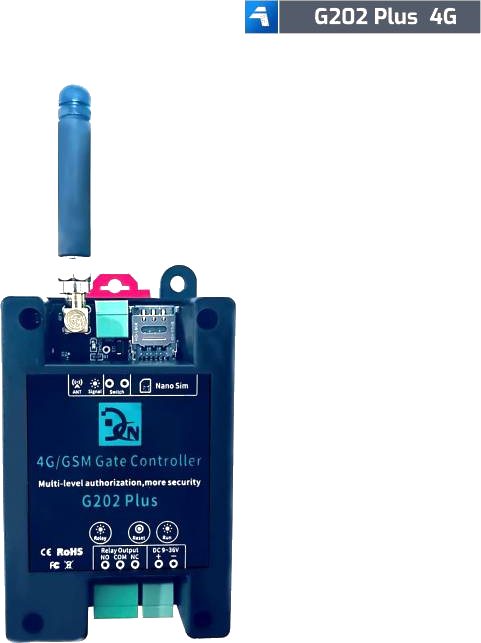
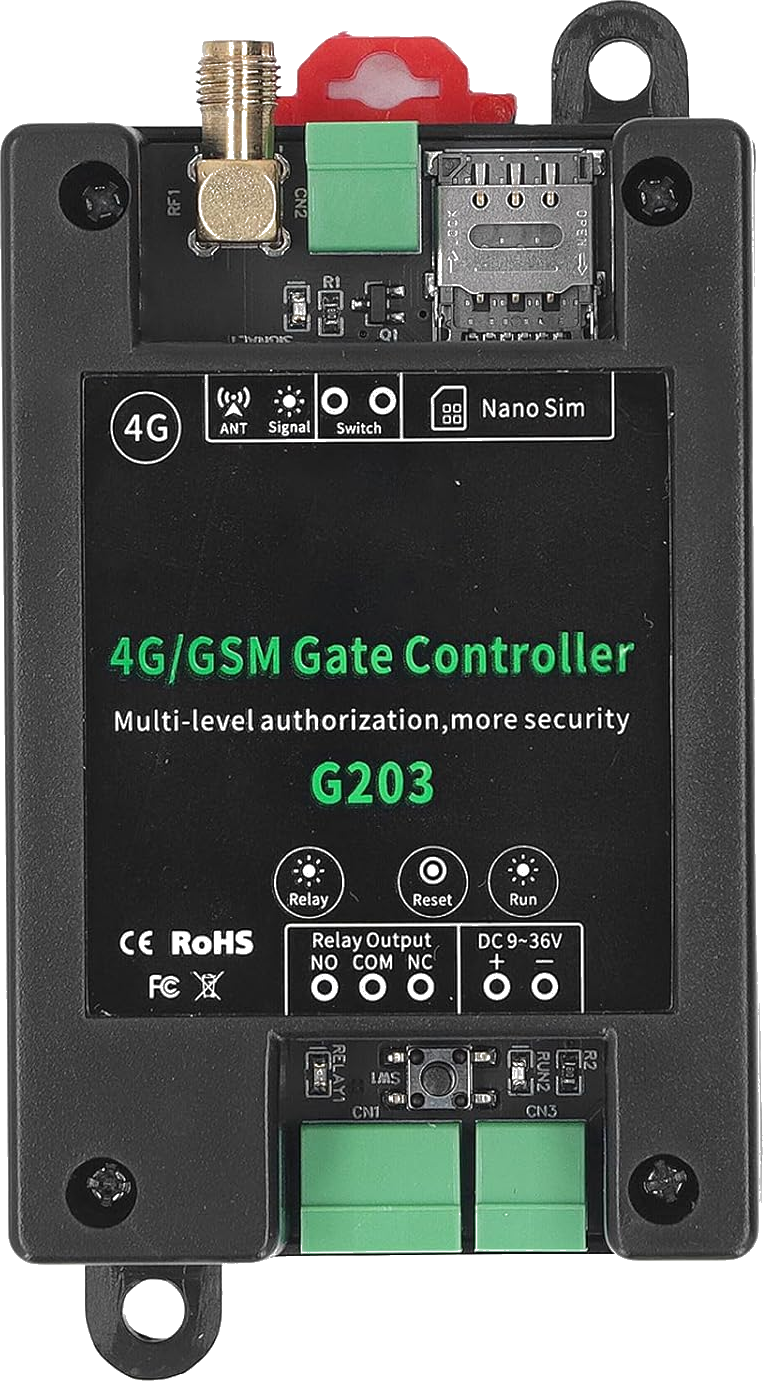
The Callny G203 is the two-relay version of the Callny G202 PLUS. Same SMS protocol, same six-digit default password (123456), same 999-user capacity — but two independent dry-contact relays for sites that need to control two gates or a gate + pedestrian door from one module.
Last reviewed:
What the G203 is
The Callny G203 is the dual-relay sibling of the G202 PLUS. It is built on the same hardware platform and accepts the same Callny SMS command set, with one extra parameter on user-add commands to specify which relay (1 or 2) the user should trigger.
Like the G202 PLUS, it is sold under multiple brand names — Callny, Daniu, LPSECURITY — but the firmware and command syntax are identical across rebrands. Default password is 123456.
How it works
Same as the G202 PLUS except for user assignment. When you add a user, you append the relay number: #PWD{pwd}#WHL001=+phone#1 for relay 1, or #PWD{pwd}#WHL001=+phone#2 for relay 2. A user can be assigned to one relay or both.
Both relays operate as dry-contact pulses, so each one can be wired independently to a different gate motor or barrier controller.
What's in the box
- Callny G203 main unit
- GSM/4G antenna
- DC power pigtail
- Multilingual quick guide PDF
Quickstart setup
A 15-minute walkthrough to get the G203 from boxed to working. For the full guide with example SMS responses and error handling, see the G203 setup guide.
- Insert a SIM. Same prerequisites as the G202 PLUS — voice + SMS plan, PIN disabled.
- Power up. 12V DC, antenna connected outside any metal enclosure.
- Change the password 123456. Send #PWD123456#NEWPWD={new-password}.
- Add a user to relay 1. Send #PWD{pwd}#WHL001=+phone#1.
- Add a user to relay 2. Send #PWD{pwd}#WHL002=+phone#2.
- Test each relay. Call the SIM from each authorized number — confirm the correct relay clicks.
Common issues and fixes
Same user triggers both relays
The user was added without a relay suffix and defaulted to both. Delete and re-add with the explicit #1 or #2 suffix.
Relay 2 wiring confusion
The G203 labels its relays RL1 and RL2 on the PCB. Match these to your gate motor's terminals — there is no auto-switching.
Hitting a problem not listed here? The full troubleshooting guide covers the seven most common failure modes in detail.
Frequently asked questions
What is the default password for the G203?
How many authorized phone numbers can the G203 store?
Does the G203 need a SIM card?
What manufacturers sell the G203?
Can I use the G203 with the GateOpener app?
Buying tips
- Only choose the G203 over the G202 PLUS if you genuinely need a second relay. Otherwise the G202 PLUS is identical and slightly cheaper.
- Confirm the seller is shipping the PLUS-equivalent G203 (newer hardware) rather than an early non-PLUS revision.
Also sold as
Callny G203, Daniu G203, LPSECURITY G203. Dual-relay variant of the G202 PLUS.