Airbnb Gate Access: How to Grant Guests Temporary Gate Codes Without Sharing Your Own
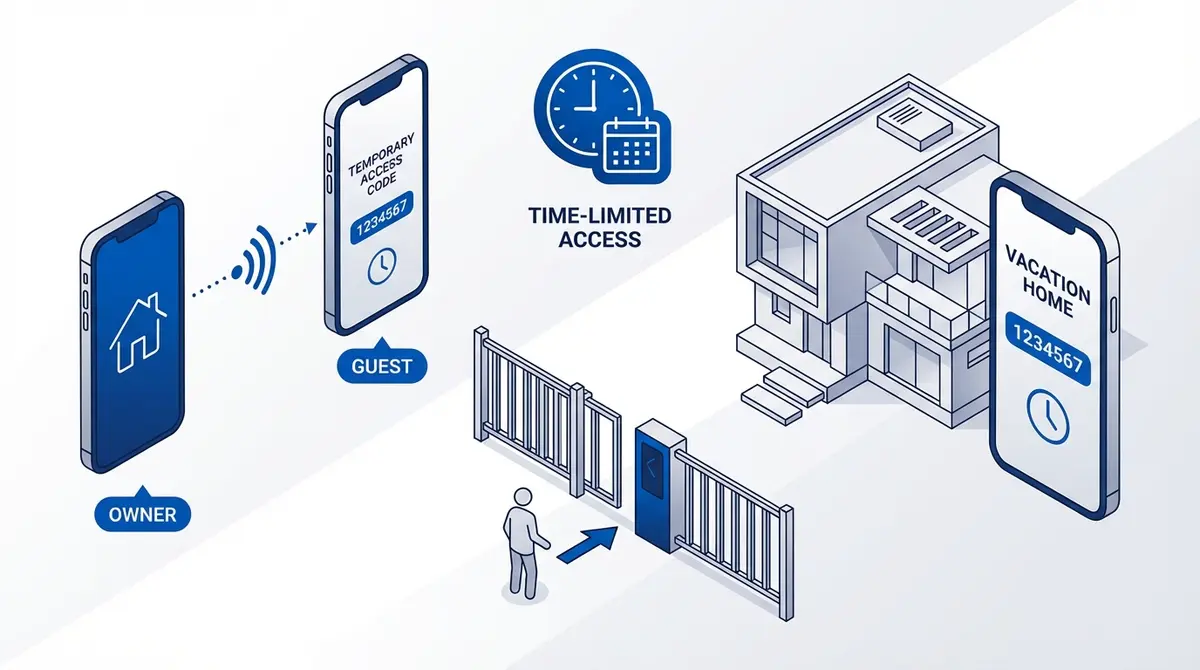
Running a short-term rental with an electric gate? This guide explains four ways to give Airbnb guests gated access without sharing your master code: dedicated guest SMS commands, time-limited authorized numbers, smart lock integration, and the simplest option — the GateOpener app, which handles temporary access automatically.
At a glance
Running an Airbnb with an electric gate? Don't share your gate password. Instead, add the guest's phone number to your GSM module — they open the gate by calling the SIM, no code needed. Remove them automatically with the GateOpener app (set checkout date and forget), or manually after they leave. For properties that get back-to-back guests, the Callny G202 PLUS can grant time-window access at the firmware level.
Short-term rental hosts face a recurring problem: how do you give arriving guests gated access without sharing your master gate code, and without remembering to revoke it after they leave? Here are four working options, ranked by how little ongoing work they require.
Option 1: GateOpener app with auto-expiring access (easiest)
In the GateOpener app, adding a guest is a tap-and-set-dates flow: pick their phone number, set a check-in date and a checkout date, save. The app sends the right SMS commands to your module to add them on check-in day and remove them automatically when they leave. You don't need to remember anything.
Works with both RTU5024 and Callny modules. €5.99 one-time, no subscription. The app is on the App Store and Google Play.
Pros: fire-and-forget, no manual cleanup, works on any supported GSM module. Activity log shows exactly when each guest opened the gate.
Cons: on iPhone, guest access with auto-expiry needs the one-time in-app purchase — the free tier covers only one gate for the host.
Option 2: Manual SMS commands per guest
The free option, if you don't mind doing it by hand for every booking. On check-in day, add the guest's number to your module's authorized list. On checkout day, remove it.
RTU5024 example — add a guest to slot 050 (reserve slot 050+ for guests, slots 001-049 for permanent users):
{pwd}A050#+{guest-phone}#And on checkout day, remove them:
{pwd}D050#See how to add a phone number to your RTU5024 for the full command reference.
Pros: free, works with any RTU5024 or Callny module.
Cons: easy to forget, no audit trail, prone to typos when typing international phone numbers by hand.
Option 3: Callny G202 PLUS time-window access
The Callny G202 PLUS firmware supports adding a user with a valid date range built into the command. The module enforces the window at the firmware level — no app required, no manual cleanup. Once the end date passes, calls from that number stop opening the gate even though the number is still technically in the user table.
Use this if you already have a Callny G202 PLUS and don't want to install an app. If you're choosing between modules specifically for Airbnb use, the G202 PLUS is the natural pick — but pair it with the GateOpener app for the activity log and cleaner per-guest UI.
Pros: hardware-enforced expiry, no app needed.
Cons: Callny SMS syntax is fiddly, no audit trail, requires a Callny-family module (won't work on an RTU5024).
Option 4: Smart lock + GSM gate combo
Some hosts pair a smart lock on the front door (Nuki, August, Yale) with a GSM-only gate. The guest gets a temporary code for the smart lock through Airbnb's keypad integration, and gate access via a separate mechanism — typically a permanent code shared on the welcome message.
Pros: integrated with Airbnb messaging for the door lock at least.
Cons: gate access still requires manual handling unless you also install a smart lock at the gate. Two separate systems to maintain.
Comparing the four options
| Option | Manual cleanup needed? | Audit trail? | Cost |
|---|---|---|---|
| GateOpener app | No (auto-expire) | Yes | €5.99 one-time |
| Manual SMS | Yes (every booking) | No | Free |
| Callny G202 time window | No (firmware-enforced) | No | Callny G202 only |
| Smart lock combo | Partial | For the door only | €150-300 + module |
Ready to ditch SMS commands?
GateOpener replaces cryptic codes with a clean interface. One app for every GSM gate module. No subscription, no account needed.
Related posts
Temporary Gate Access: Guide for Guests and Deliveries
4 ways to manage temporary gate access on RTU5024 and Callny G202: manual add/remove, auto-expiring, count-limited passes, and weekly schedules. Best method for Airbnb, deliveries.
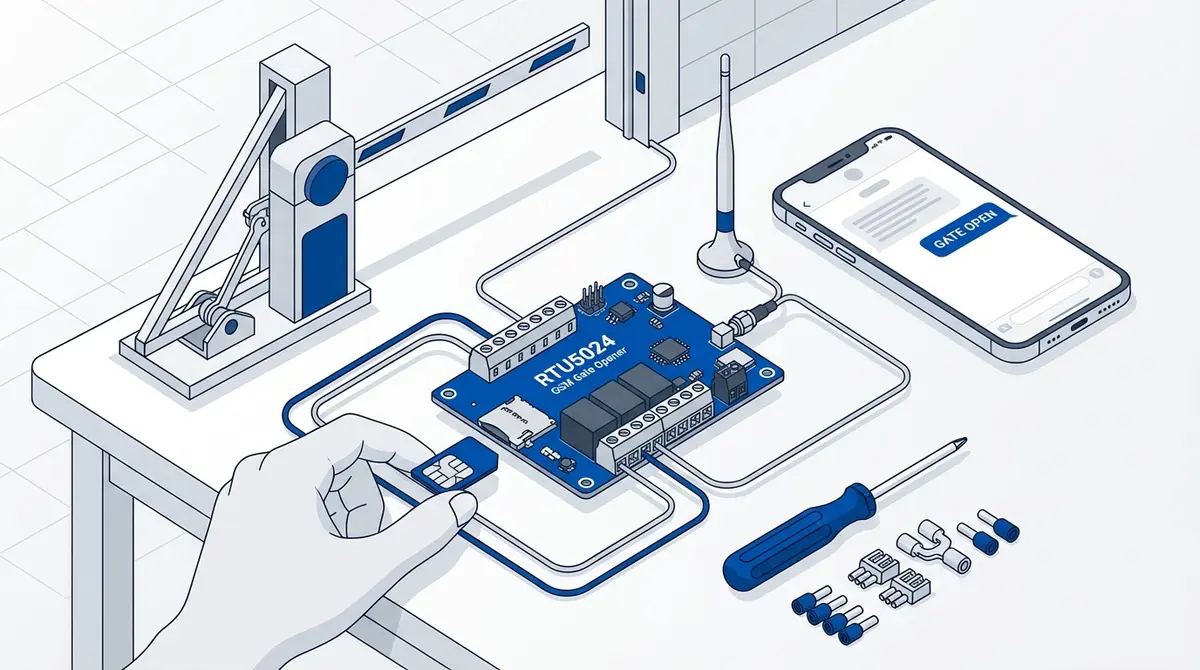
How to Set Up Your RTU5024 GSM Gate Opener
Complete RTU5024 setup guide: SIM card prep, relay wiring, password change, adding users, and testing. Covers all RTU5024 variants with step-by-step SMS commands.
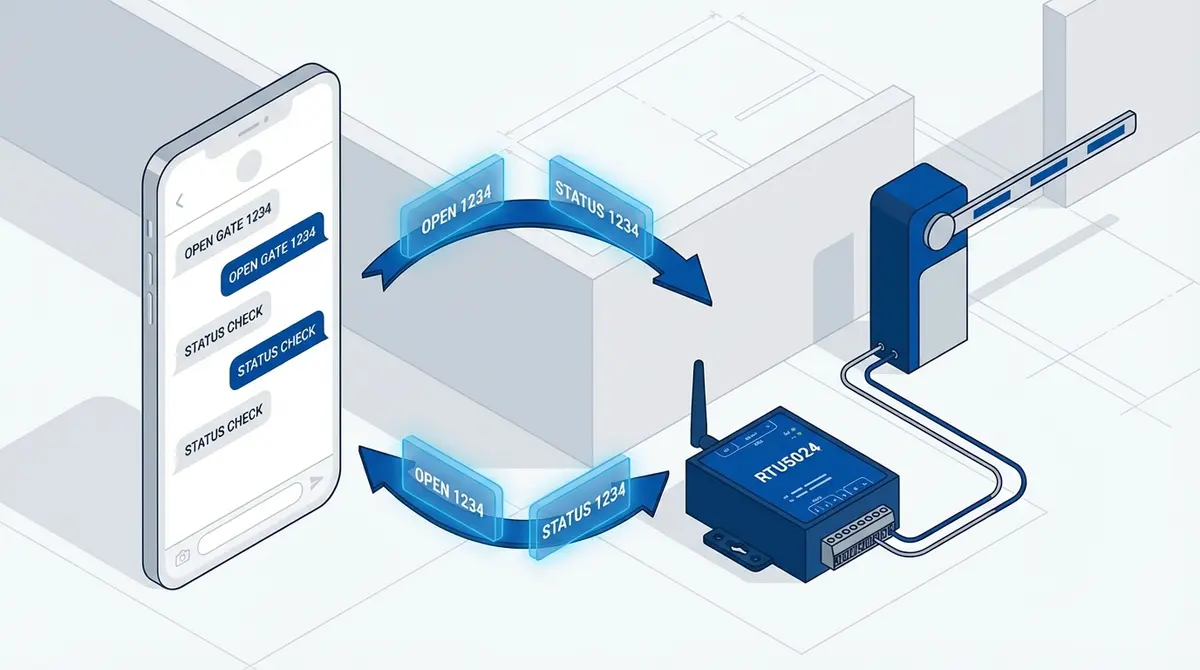
RTU5024 SMS Commands: The Complete Reference
Complete RTU5024 SMS command reference: password, users, relay, GOT timing, notifications, signal. Every command with syntax, examples, and responses.