How to Add a Phone Number to Your RTU5024 (Step-by-Step)
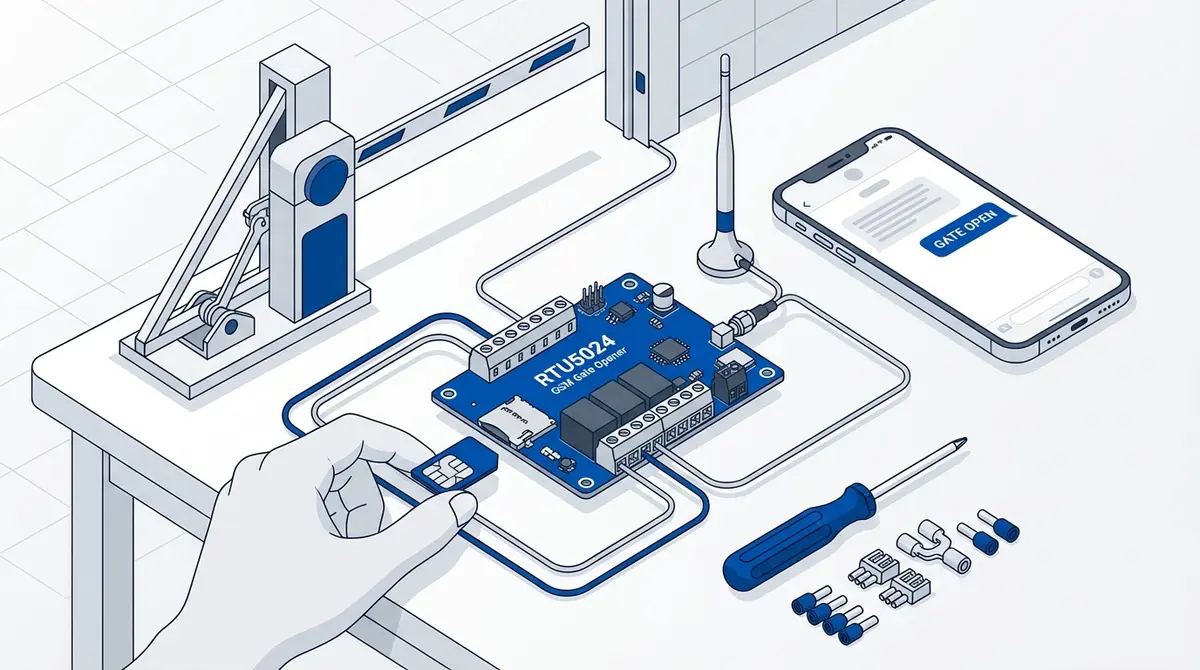
Add a new authorized phone number to your RTU5024 in under a minute. This guide covers the exact SMS command, the correct phone number format, how to assign a slot, what the confirmation reply looks like, and how to fix the four most common failures: Password Error, no reply, wrong slot, and number not authorized.
At a glance
To add a new authorized phone number to the RTU5024, send the SMS command {pwd}A{slot}#+{phone}# from an already-authorized phone. Example: 1234A002#+31612345678# adds the Dutch number +31 6 12345678 to user slot 002. The module replies with a confirmation SMS within 30-60 seconds. If you get Password Error, see the fixes at the bottom.
Adding an authorized phone number is the single most common configuration task on an RTU5024 — every time a new family member, cleaner, tenant, or Airbnb guest needs gated access. The official manual buries the command in eight pages of broken English and gives no examples. This is the working version.
The exact SMS command
{password}A{slot-number}#+{country-code}{phone-number}#Breaking that down:
{password}— your four-digit password. Default is1234. If you haven't changed it, do so first — see the RTU5024 default password guide.A— uppercase. The "Add" command keyword. The RTU5024 firmware is case-sensitive.{slot-number}— three digits between001and200. Slot 001 is the admin and is usually you. Use 002, 003, … for additional users.#— literal hash character.+{country-code}{phone-number}— E.164 format with the leading+. No spaces, no dashes, no leading zero on the national portion.- Final
#— required terminator.
Worked examples
Add Dutch number +31 6 12345678 to slot 002
1234A002#+31612345678#Add German number +49 170 1234567 to slot 003
1234A003#+491701234567#Add UK number +44 7700 900123 to slot 004
1234A004#+447700900123#Add US number +1 415 555 0142 to slot 005
1234A005#+14155550142#What the confirmation reply looks like
Within 30-60 seconds, the RTU5024 SMS's you back. The reply varies slightly by firmware version but looks like one of these:
v1.7 firmware
Add user OK. ID:002 TEL:+31612345678v2.0+ firmware
System auto assign Normal User ID: 002, TEL:+31612345678 (NOR)Either reply means the user has been added. Test by calling the gate SIM from the newly authorized phone — the relay should click within 2-3 seconds.
Four common failures and how to fix them
1. "Password Error" reply
You typed the password wrong, or autocorrect inserted a space. Disable predictive text for the gate SIM number. Verify the password — if you forgot your custom one, see the password reset guide.
2. No reply at all
Either the module has no signal, or the SIM has run out of credit, or you sent the SMS from a non-authorized number. Send {pwd}EE to query signal strength — if there's no reply to that either, the gate SIM is the problem (top up credit or check the antenna).
3. Reply says "User already exists"
The slot you picked is already taken. Pick a different slot, or delete the existing entry first with {pwd}D{slot}# (for example 1234D002#).
4. New number can't open the gate
Almost always a phone number format issue. The number stored in the module must match exactly what the new phone presents as caller ID. If the new phone shows up as +31 6 12345678 when calling other phones, that's what you store — including the country code with the plus sign.
Ready to ditch SMS commands?
GateOpener replaces cryptic codes with a clean interface. One app for every GSM gate module. No subscription, no account needed.
Related posts
How to Set Up Your RTU5024 GSM Gate Opener
Complete RTU5024 setup guide: SIM card prep, relay wiring, password change, adding users, and testing. Covers all RTU5024 variants with step-by-step SMS commands.
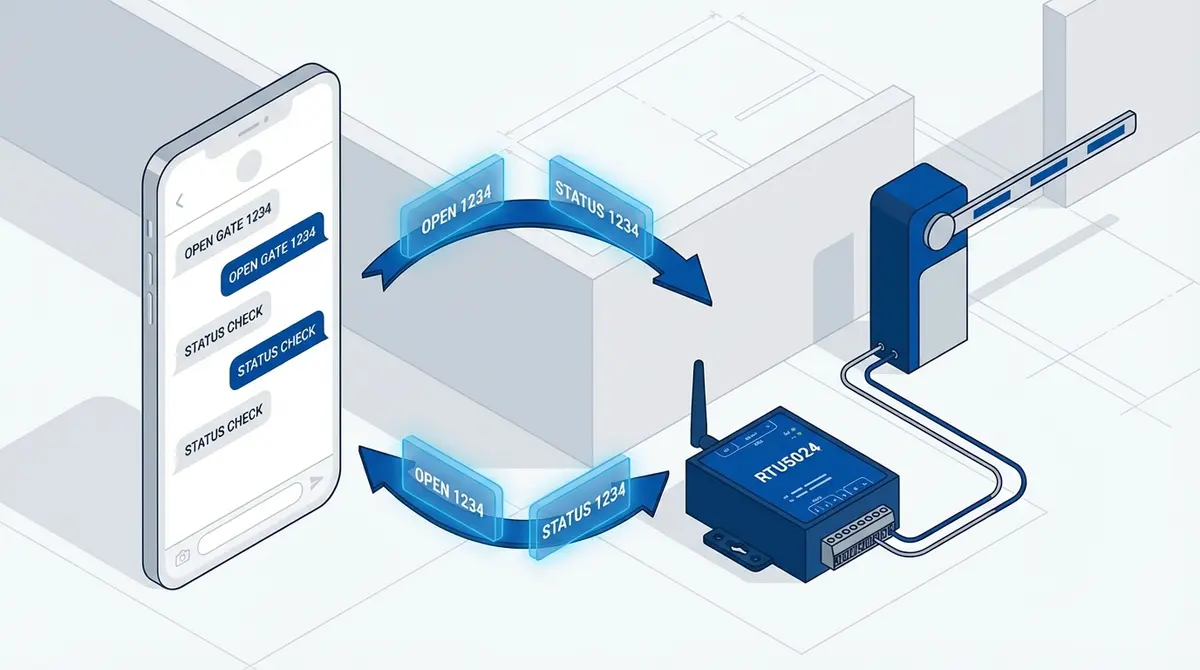
RTU5024 SMS Commands: The Complete Reference
Complete RTU5024 SMS command reference: password, users, relay, GOT timing, notifications, signal. Every command with syntax, examples, and responses.
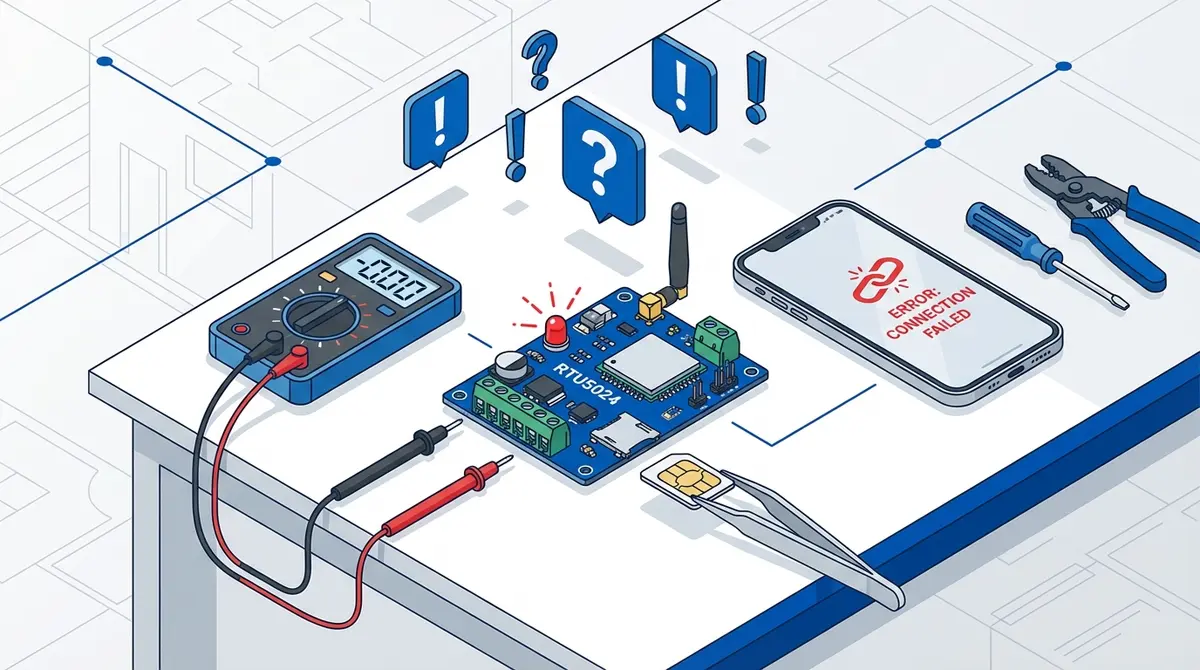
RTU5024 Troubleshooting: Fix These 7 Common Problems
Fix 7 common RTU5024 problems: no network, Error password, no SMS response, users locked out, gate timing, missing notifications, module stopped working.