At a glance
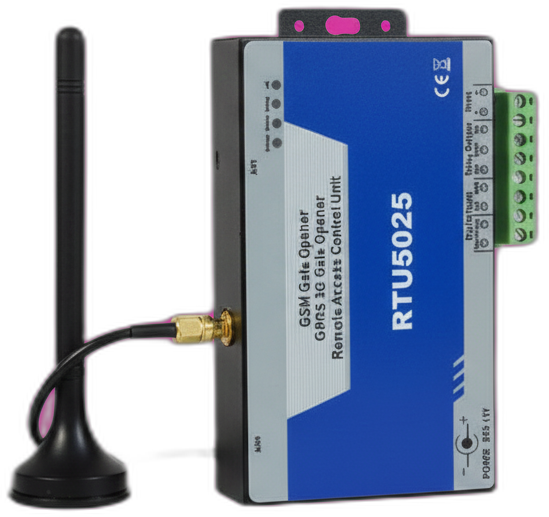
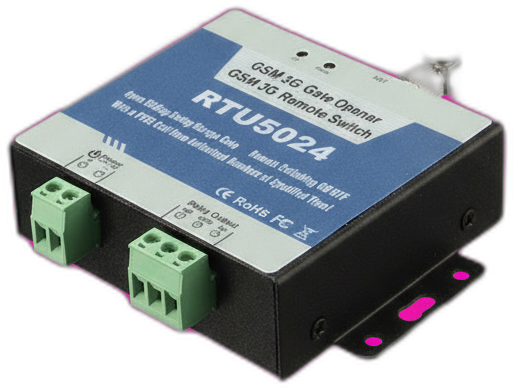
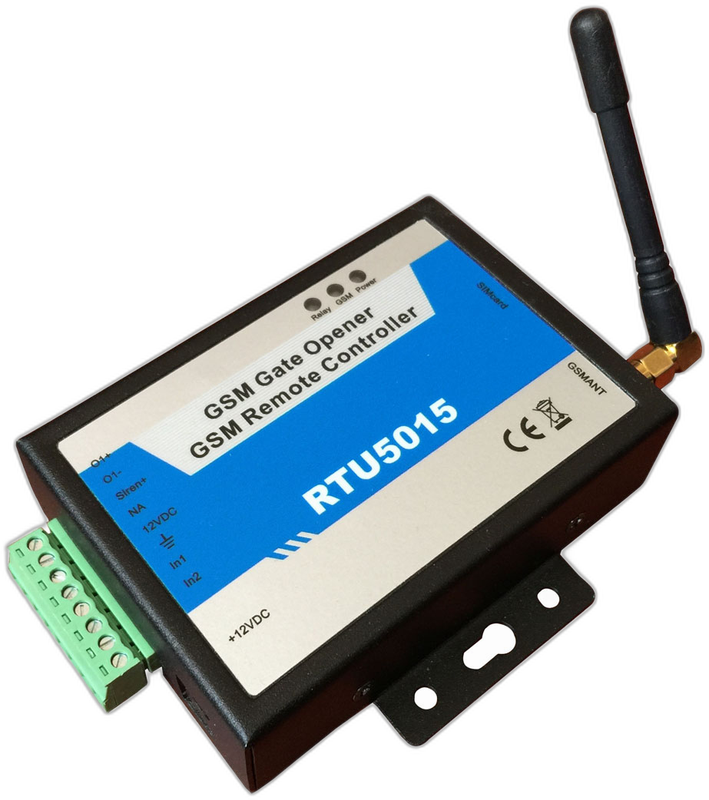
The RTU5024 is the most widely sold GSM gate opener module in the world. It opens an electric gate when an authorized phone calls its SIM card — no internet, no app required. The default password is 1234, it stores up to 999 authorized users, and the same hardware is sold under several brand names including King Pigeon, BLIIoT, and Huobei.
Last reviewed:
What the RTU5024 is
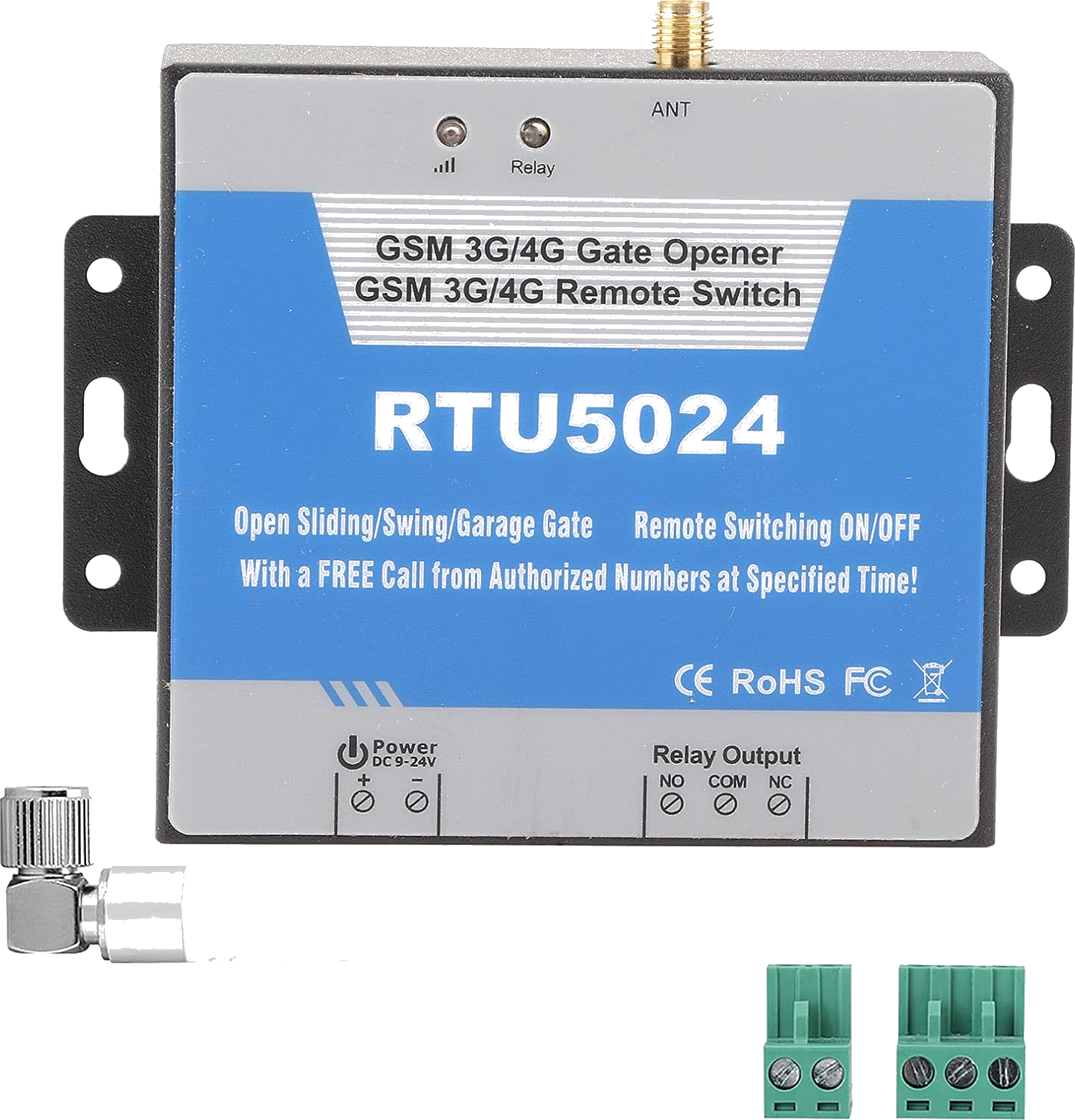
The RTU5024 is a GSM relay module designed to control electric gates, garage doors, and parking barriers over the cellular network. It contains a SIM card slot, a 2G or 4G modem, and a single dry-contact relay that closes for a configurable number of seconds when triggered.
It is produced by a Chinese manufacturer originally branded King Pigeon and licensed or rebranded by dozens of resellers — most commonly BLIIoT and Huobei. The hardware, default password (1234), and SMS command set are identical across rebrands. Retail price ranges from roughly €25 to €60 depending on whether you buy the 2G or 4G variant and which reseller you choose.
Roughly seven out of ten GSM gate opener modules sold worldwide use the RTU5024 SMS command set, which makes it the de facto standard. If you bought a generic GSM relay box from AliExpress or a local installer, there is a good chance it speaks RTU5024 even if the sticker says something else.
How it works
Each authorized phone number is stored in a numbered slot on the module. When that phone calls the SIM card inside the module, the modem detects the incoming call, hangs up immediately (so the call is free), and pulses the relay for a few seconds. The relay is wired to your gate motor's manual-open input — the same pair of terminals you would use for a physical doorbell button.
Configuration is done entirely over SMS. You text commands like 1234A001#0612345678# to add user 001 with phone number +31 6 12345678. The module replies with a confirmation SMS. All commands begin with the four-digit password (default 1234) and end with a hash character. Spacing and case matter — the firmware is strict.
Because the module talks to the cellular network directly, no Wi-Fi, no router, and no cloud account is involved. The only ongoing cost is the SIM card. A €5-per-year IoT data SIM is more than enough for a typical residential gate that gets called a few hundred times per month.
What's in the box
- RTU5024 main unit
- SMA-connector GSM antenna (magnetic base, 2-3 m cable)
- DC power pigtail (bare leads, 9-36V)
- Original PDF manual (English, varying quality depending on reseller)
Quickstart setup
A 15-minute walkthrough to get the RTU5024 from boxed to working. For the full guide with example SMS responses and error handling, see the RTU5024 setup guide.
- Prepare a SIM card. Use a standard-size SIM with an active voice/SMS plan (data is not required). Insert it into a regular phone first and disable the PIN lock — the RTU5024 cannot handle PIN prompts.
- Power it up. Insert the SIM (gold contacts down), screw on the antenna, and connect 9-36V DC to the V+ and GND terminals. The SIGNAL LED will blink fast, then slow to once per second when the modem registers on the network.
- Change the default password. From any phone, send PWD1234{new-password} (six digits, numeric). For example, sending PWD12349872 changes the password from 1234 to 9872. Save the new password somewhere safe.
- Add the first authorized user. Send {pwd}A001#+countryphone# to add yourself as user 001. For example, 9872A001#+31612345678# adds +31 6 12345678 to slot 1. The module replies with a confirmation SMS.
- Wire the relay to the gate motor. Connect the RTU5024's relay output (terminals labelled NO and COM) to your gate motor's manual-open input — the same terminals where the wired key switch or doorbell would attach.
- Test. Call the SIM number from the authorized phone. The relay clicks, the gate triggers, and the call ends within a second or two. No charge — the module hangs up before the call connects.
Common issues and fixes
Module returns 'Password Error' to every SMS
You are sending lowercase letters, or your phone autocorrected the password. Disable predictive text for the gate SIM number. Confirm the SMS goes out exactly as 1234A001# (not 1234 A001# with a space).
No response to any SMS
Check the SIGNAL LED. If it is off, the modem is not powered (check polarity on V+ / GND). If it is blinking fast, the SIM is not registering — most likely the SIM PIN is still on or the SIM has expired.
Authorized number stopped working
Carriers occasionally suspend dormant SIMs. From a phone in the same country, call your gate SIM. If the call doesn't connect, the SIM is dormant — top it up or move to an IoT SIM with no inactivity rules.
Relay clicks but the gate doesn't move
Wiring issue, not an RTU5024 issue. The module is providing a dry-contact pulse — your gate motor must be configured to accept a dry contact on its manual-open input. Check the motor controller's wiring diagram.
Hitting a problem not listed here? The full troubleshooting guide covers the seven most common failure modes in detail.
Frequently asked questions
What is the default password for the RTU5024?
How many authorized phone numbers can the RTU5024 store?
Does the RTU5024 need a SIM card?
What manufacturers sell the RTU5024?
Can I use the RTU5024 with the GateOpener app?
Buying tips
- Buy the 4G LTE variant unless you have a confirmed 2G network in your country. The EU, UK, Australia, and most of North America have already shut down or scheduled the shutdown of 2G networks — a 2G-only RTU5024 will silently stop working when that happens.
- Pay €10-15 extra for the BLIIoT or King Pigeon factory version. The dirt-cheap AliExpress clones use refurbished or substandard modems that have lower receive sensitivity in fringe signal areas.
- If you also want SMS notifications when the gate is opened or closed, confirm the unit you are buying includes notification firmware (sometimes sold as the 'V2' or 'PLUS' edition).
Also sold as
King Pigeon RTU5024, BLIIoT RTU5024, Huobei RTU5024, RTU5024 V2, RTU5024 4G. The same protocol is used by some rebadged GSM relay boxes sold under generic names on AliExpress — if a module accepts the {pwd}A{slot}#{phone}# command syntax, it is RTU5024 compatible.