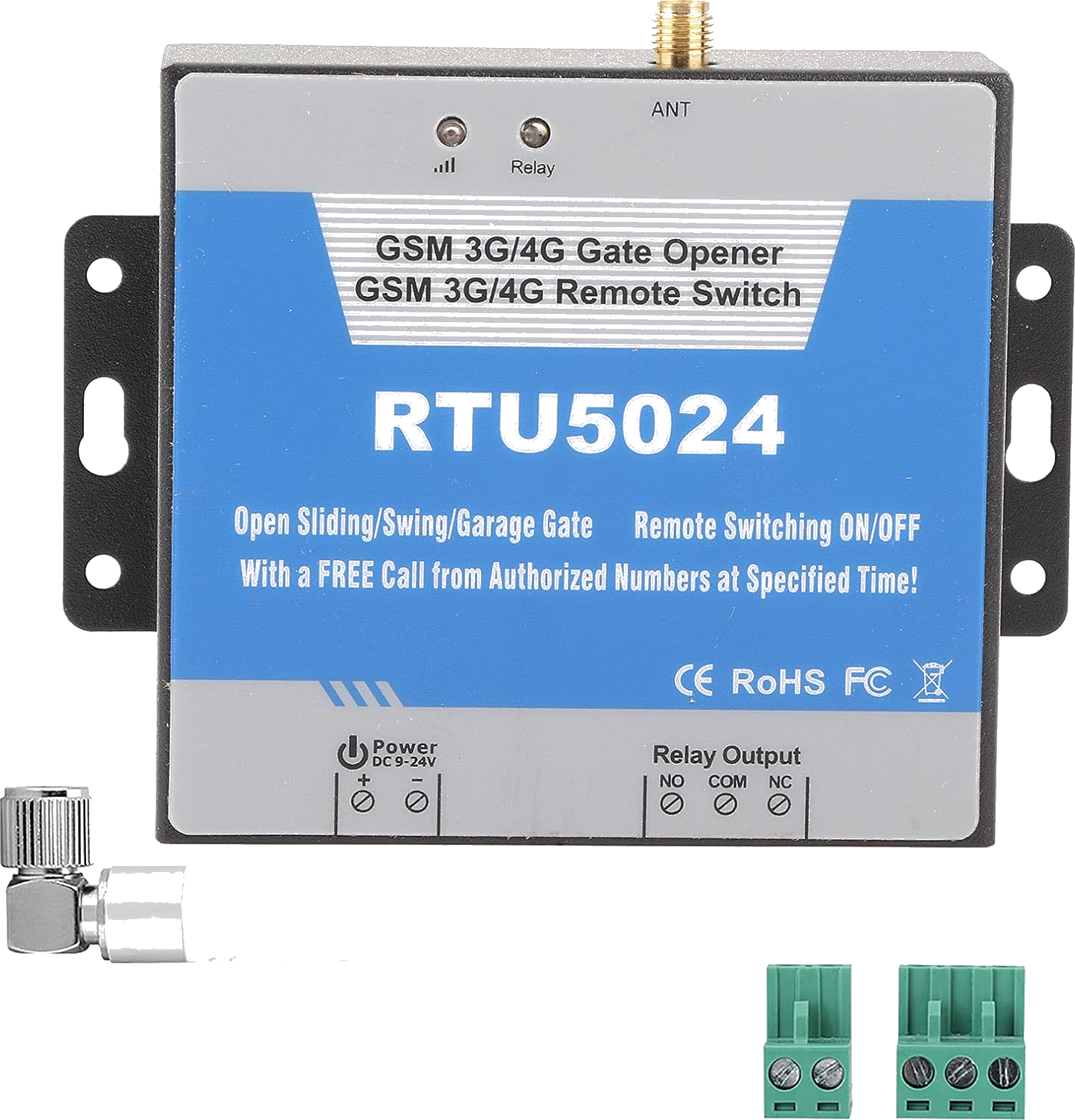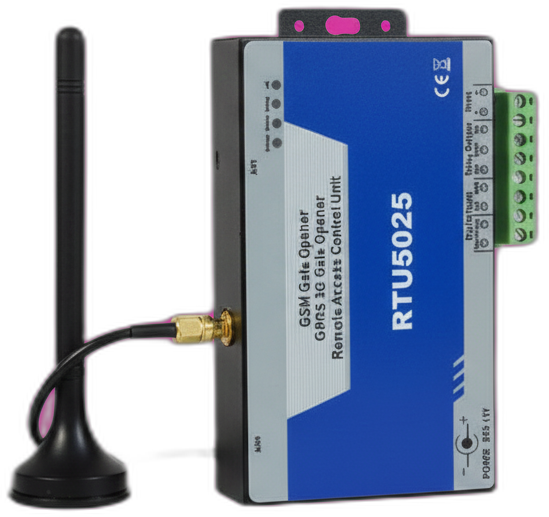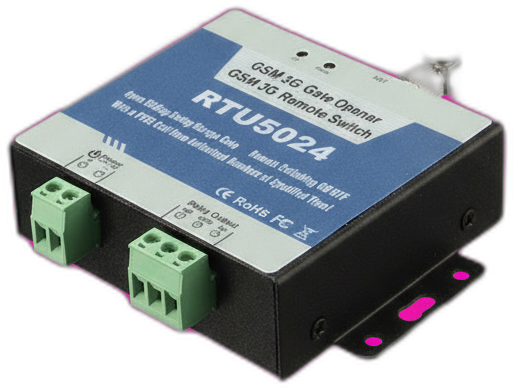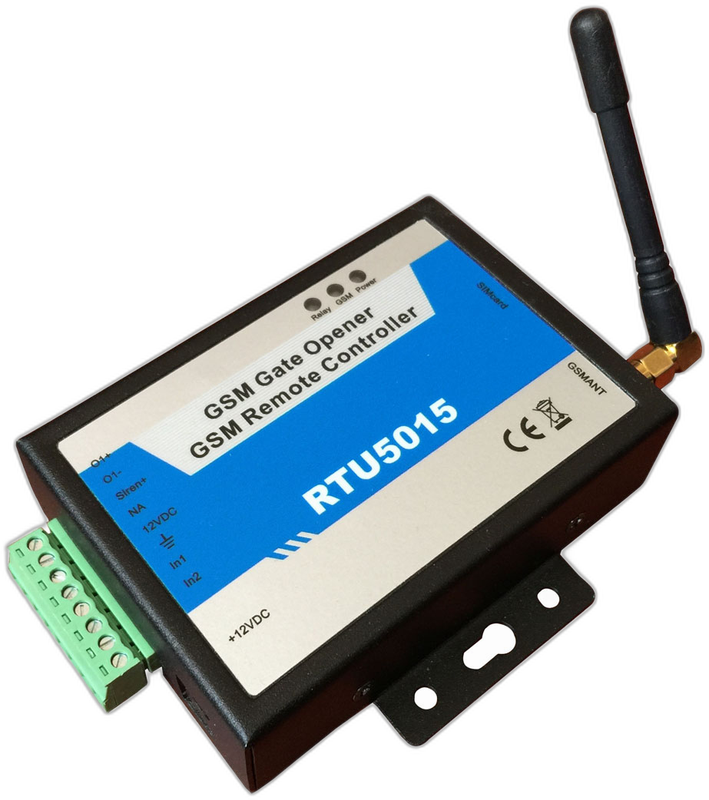
At a glance
The RTU5015 is an older, lower-spec variant of the RTU5024 family. Single relay, 2G-only modem, default password 1234, supports 200 authorized users (not 999). Still works if you already own one, but not recommended for new installations because the 2G modem is becoming unusable in many countries.
Last reviewed:
What the RTU5015 is
The RTU5015 was an early entry-level model in the King Pigeon GSM relay lineup, predating the RTU5024. It uses the same SMS command syntax but with a smaller user table (200 instead of 999) and a 2G-only modem.
If you bought a GSM gate opener before about 2019, there's a good chance it's an RTU5015. The hardware still works as long as your country has an active 2G network — but with 2G being shut down across Europe, the UK, Australia, and parts of North America, an RTU5015 should be planned for replacement.
How it works
Identical to the RTU5024 from a user perspective. Authorized phones call the SIM number, the relay pulses, the gate opens. SMS commands work the same way: same password format, same A{slot}#+phone# syntax to add users.
The only practical differences are the smaller user table (200 max) and the 2G-only radio. If your authorized list will stay under 200 entries and 2G is still active where the gate is, the RTU5015 works fine.
What's in the box
- RTU5015 main unit
- GSM antenna
- DC power pigtail
- PDF manual
Quickstart setup
A 15-minute walkthrough to get the RTU5015 from boxed to working. For the full guide with example SMS responses and error handling, see the RTU5015 setup guide.
- Insert a 2G-compatible SIM. PIN disabled. Verify 2G coverage in your country — many carriers have already shut down 2G.
- Power up and wait for slow SIGNAL LED. Same boot sequence as the RTU5024.
- Change the password 1234. Send PWD1234{new-password}.
- Add users with the standard syntax. {pwd}A001#+phone# — same as RTU5024.
- Test. Call the SIM from an authorized number.
Common issues and fixes
Module stopped responding overnight
Most likely cause: 2G network shutdown in your area. Check your carrier's 2G timetable. Replacement is the RTU5035 (4G drop-in equivalent) or the newer RTU5024 4G variant.
Adding user 201 fails
The RTU5015 has a hard cap of 200 users. Remove an unused entry with {pwd}D{slot}# before adding a new one.
Hitting a problem not listed here? The full troubleshooting guide covers the seven most common failure modes in detail.
Frequently asked questions
What is the default password for the RTU5015?
How many authorized phone numbers can the RTU5015 store?
Does the RTU5015 need a SIM card?
What manufacturers sell the RTU5015?
Can I use the RTU5015 with the GateOpener app?
Buying tips
- Do not buy the RTU5015 new. The RTU5024 is a direct upgrade for similar money, and the RTU5035 fully replaces 2G.
- If you already own one and it still works, no urgent need to replace — but plan ahead based on your country's 2G shutdown timeline.
Also sold as
King Pigeon RTU5015, BLIIoT RTU5015. Predecessor of the RTU5024.