Callny G202 PLUS Setup Guide: SMS Commands and Configuration
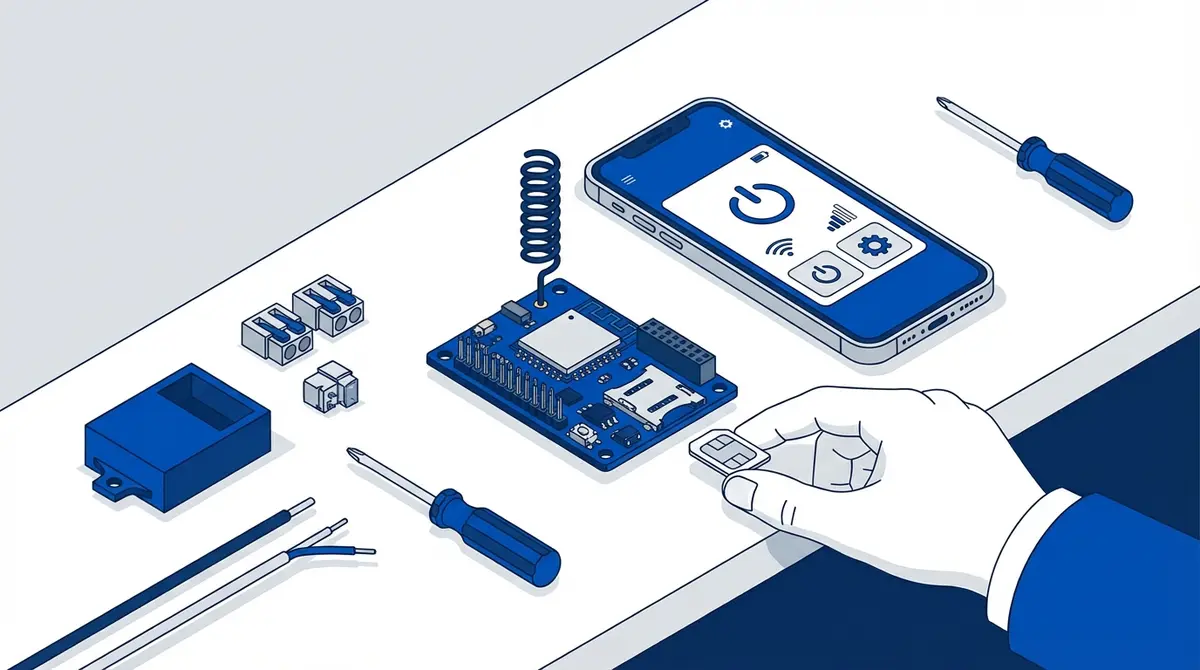
Set up your Callny G202 PLUS from unboxing to first gate open. This guide covers nano SIM installation, wiring, alphanumeric password configuration, auto-assign user slots, 3 user roles on the G203 variant, relay timing with GOT query, and the key SMS command differences from the RTU5024.
The Callny G202 PLUS (also sold as Daniu GSM, LPSECURITY, and CY305) is a widely rebadged GSM gate opener module: the same hardware appears under several brand names, which is why its manuals are scattered across sites like ManualsLib rather than one maker's support page. It uses a nano SIM instead of the standard SIM used by RTU5024, supports alphanumeric passwords up to 12 characters, and has three-tier user roles in the G203 variant. But finding clear English-language setup instructions is nearly impossible.
What Makes the Callny G202 Different?
The Callny G202 PLUS is a GSM relay controller that opens gates via phone calls and SMS commands. According to the manufacturer documentation, it shares the same basic principle as the RTU5024 (authorized callers trigger a relay) but differs in several ways:
- Nano SIM instead of standard SIM (same format as modern phones)
- Alphanumeric passwords up to 12 characters (vs 4-digit RTU5024)
- Auto-assign user slots with the DEF command (vs manual slot assignment)
- Three user roles in the G203 variant: Super Admin (TOP), Admin (ADV), Normal (NOR)
- Delete by phone number as well as by slot (RTU5024 only deletes by slot)
Step 1: Prepare the Nano SIM
Insert a nano SIM into a phone, disable the PIN lock, verify voice and SMS work, and note the phone number. According to the ETSI TS 102 221 specification, the nano SIM (4FF form factor) measures just 12.3 x 8.8 mm, which is the same size used by modern smartphones. No adapter needed.
Step 2: Insert SIM and Connect Power
Power off, insert the nano SIM, connect 9-36V DC power to V+ and GND. Wait for the SIGNAL LED to stabilize (slow blink every 3 seconds = network registered).
Step 3: Wire the Relay
Connect COM and NO to your gate motor's "open" button terminals. Same principle as RTU5024 wiring.
Step 4: Add Your Phone Number (First User Becomes Super Admin)
The first authorized user automatically becomes the Super Admin (TOP). Send:
Command: {password}#TEL{phone}#DEF#
1234#TEL+31612345678#DEF#Response: Super User added, User ID:001
The DEF command auto-assigns the next available slot.
Step 5: Change the Admin Password
Default admin password is 1234. Change it to something stronger (up to 12 characters, letters and numbers):
Command: {password}#PWD#{new}#
1234#PWD#newpassword#Step 6: Add More Users
Additional users are added as Admin (ADV) by default:
newpassword#TEL+31698765432#DEF#On the G203 variant, you can also add Normal users who can only call to open (no admin access):
newpassword#NORTEL+31655555555#DEF#Step 7: Set Relay Timing
The Callny uses a different format than RTU5024. To set relay time to 5 seconds:
Command: {password}#GOT{seconds}#
newpassword#GOT005#Values range from 000 (toggle) to 999 seconds. Unlike the RTU5024's half-second increments, Callny values are in whole seconds.
Step 8: Test
Call the module's SIM number from an authorized phone. The gate should open.
Key Callny Commands
| Command | Syntax | Example |
|---|---|---|
| Add user (auto-slot) | {pwd}#TEL{phone}#DEF# | 1234#TEL+316...#DEF# |
| Add user (specific slot) | {pwd}#TEL{phone}#{id}# | 1234#TEL+316...#003# |
| Add normal user (G203) | {pwd}#NORTEL{phone}#DEF# | 1234#NORTEL+316...#DEF# |
| Delete by slot | {pwd}#TEL#{id}# | 1234#TEL#002# |
| Delete by phone | {pwd}#DELTEL#{phone}# | 1234#DELTEL#+316...# |
| Query user | {pwd}#TEL{id}? | 1234#TEL001? |
| Change password | {pwd}#PWD#{new}# | 1234#PWD#mygate2026# |
| Set relay time | {pwd}#GOT{seconds}# | 1234#GOT005# |
| Relay ON | {pwd}#ON# | 1234#ON# |
| Relay OFF | {pwd}#OFF# | 1234#OFF# |
| Signal strength | {pwd}#CSQ? | 1234#CSQ? |
Callny vs RTU5024: Key Differences
| Feature | Callny G202 PLUS | RTU5024 |
|---|---|---|
| SIM type | Nano | Standard |
| Password | Up to 12 chars, alphanumeric | 4 digits only |
| Auto-assign slots | Yes (DEF command) | No (manual slot number) |
| Delete by phone number | Yes (DELTEL) | No (slot only) |
| User roles (G203) | TOP / ADV / NOR | Single level |
| Relay timing | 0-999 seconds | 0-9.5 seconds |
| Price | EUR 15-25 | EUR 15-30 |
Skip the SMS Commands with GateOpener
GateOpener supports the Callny G202 PLUS and G203 alongside RTU5024. The app knows the Callny command syntax, handles the different password format, and shows user roles visually.
- Callny-specific features: auto-assign, delete by phone, user role display
- Multi-gate: manage Callny and RTU5024 modules from one app
- EUR 5.99 one-time, no subscription, no cloud
Frequently Asked Questions
Is the Callny G202 the same as the Daniu GSM or CY305?
Yes. The same hardware is sold under multiple brand names: Callny, Daniu GSM, LPSECURITY, CY305, and CN G202. The SMS commands are identical regardless of branding.
What's the difference between G202 PLUS and G203?
The G203 adds a third user role (Normal/NOR) for users who can only call to open but cannot manage other users. The G202 PLUS has two roles: Super Admin and Admin.
Can I use a standard SIM with an adapter?
No. The Callny's nano SIM slot is too small for an adapter. Use a nano SIM directly.
Sources
Manufacturer Documentation
Related Content
Ready to ditch SMS commands?
GateOpener replaces cryptic codes with a clean interface. One app for every GSM gate module. No subscription, no account needed.
Related posts
Callny G202 SMS Commands: The Complete Reference
Callny G202 SMS command reference with 30+ commands: passwords, 3 user roles, relay control, KPON mode, GOT timing, and signal diagnostics.
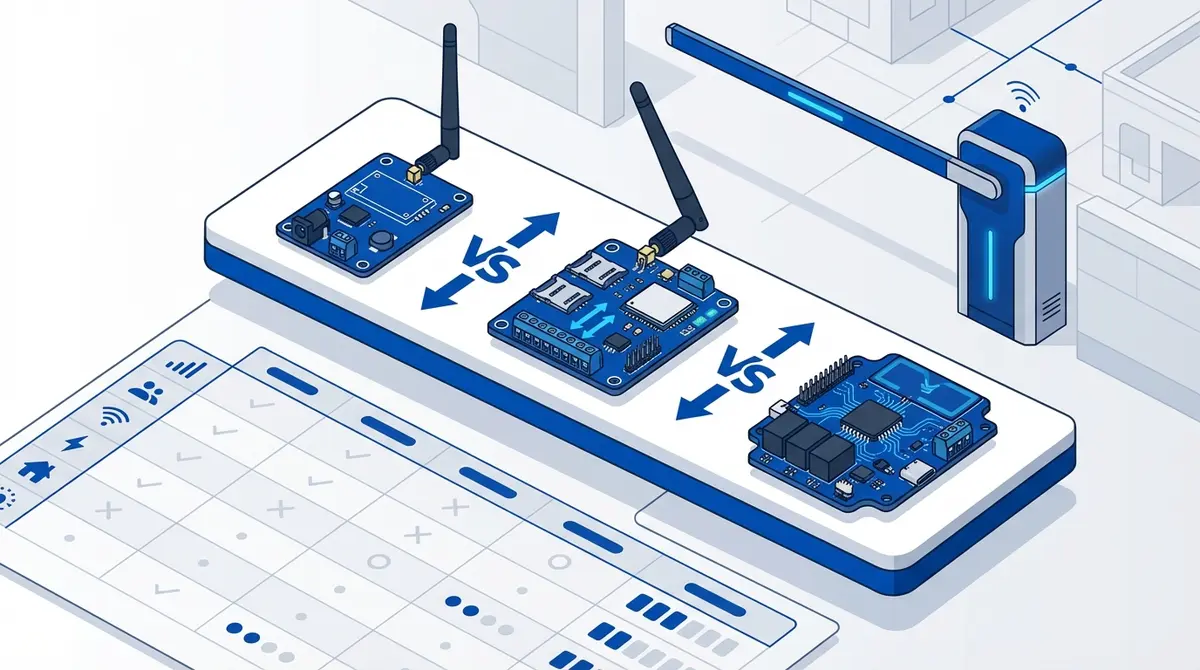
Best GSM Gate Opener Modules in 2026: Complete Comparison
RTU5024 vs Callny G202 compared on 7 features: user capacity (999 vs 999), relays, access control, SIM type, 4G, and price. Which GSM gate opener is best?
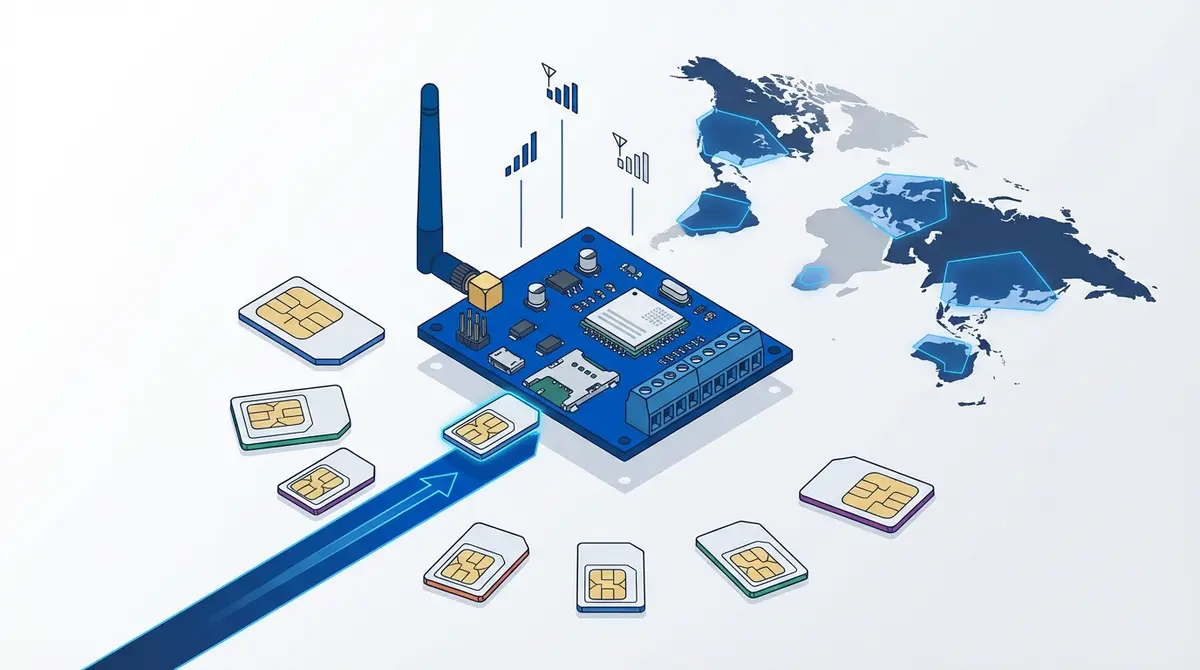
Which SIM Card Works Best for GSM Gate Openers?
SIM card guide for GSM gate openers: 4 SIM sizes compared, prepaid vs contract, PIN removal, 2G shutdown dates for 10+ countries, and carrier picks for UK, NL, DE, US, FR.