Future-Proof Your Gate Opener for 4G: 2G Shutdown Guide
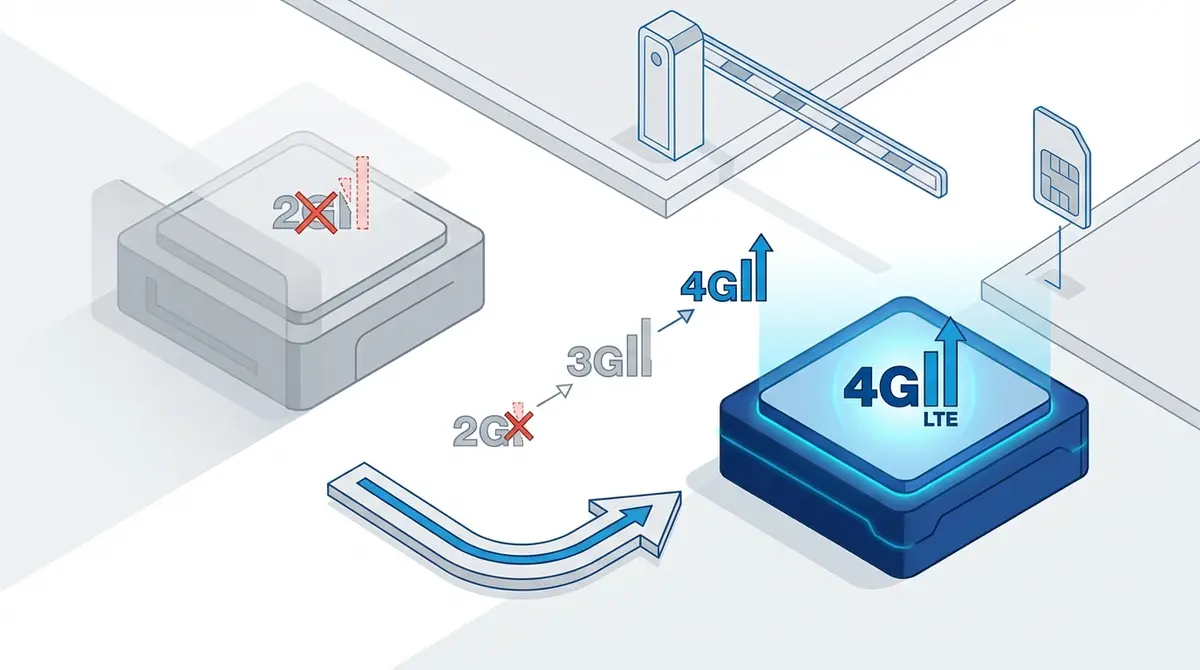
Your gate opener may stop working when your carrier shuts down 2G. Some modules labeled '4G' are actually 2G inside. This guide shows you how to verify your hardware, spot fake 4G modules, choose a genuine 4G replacement, and why the GateOpener app works with both 2G and 4G hardware.
Your gate opener runs on 2G. Your carrier is switching it off. The module you bought labeled "4G" might actually be 2G inside. Here's how to check what you really have, what to buy if you need to upgrade, and why your GateOpener app investment is safe regardless of which hardware generation you use.
How to Check If Your Gate Opener Module Is Really 4G
A 4G gate opener module is a GSM relay device that uses LTE cellular networks to receive SMS commands and phone calls for remote gate control, replacing older 2G-only hardware that will stop working as carriers shut down legacy networks. Not every module sold as "4G" actually connects to 4G. The label on the box means nothing. The radio hardware inside is what matters.
Check the frequency bands
Open the product listing or the manual that came with your module. Look for the supported frequency bands. If you see only 850, 900, 1800, and 1900 MHz, your module is 2G-only regardless of what the seller claims. A genuine 4G module lists LTE bands such as B1, B3, B5, B7, B8, and B20.
Check for VoLTE support
Gate openers that use phone calls to trigger the relay need voice over LTE (VoLTE) to work on 4G-only networks. Some modules have a 4G data modem but lack VoLTE firmware. According to BLIIoT manufacturer documentation, the RTU5024 4G with LTE Cat1bis chipset supports both VoLTE and SMS over LTE.
Check the chipset
The modem chip determines what your module can do. The Quectel EC25 supports 4G data but its VoLTE implementation depends on firmware configuration. The SIMCOM SIM7600 series is a more reliable choice for 4G voice and SMS. According to Onomondo's LTE-M technical analysis, any LTE Cat1bis Release 13 or newer chipset provides full voice and data support on modern networks.
Quick reference
| What to check | 2G module | Real 4G module |
|---|---|---|
| Frequency bands | 850/900/1800/1900 MHz only | LTE B1, B3, B5, B7, B8, B20 (+ 2G fallback) |
| VoLTE support | Not applicable | Required for call-based gate opening |
| Chipset examples | SIM800, SIM900 | SIM7600, Quectel EC25 (VoLTE firmware), LTE Cat1bis |
| SMS on 4G network | Will not work | Works natively |
The Fake "4G" Module Problem
Several popular gate opener modules are sold as "4G" on AliExpress and Amazon but contain only 2G radio hardware. These modules will fail completely when your carrier shuts down 2G. You won't know until the network goes dark.
Known fake "4G" modules
- Callny G202 Plus "4G" is marketed as a 4G device on major marketplaces. The product listing, the box, and even the device casing say "4G." Inside, it contains a 2G-only modem. The supported frequencies listed in the fine print are 850/900/1800/1900 MHz. That's GSM. That's 2G.
- Some RTU5024 "4G" variants use a Quectel EC25 chipset that handles 4G data connections but has not been configured for VoLTE in the module firmware. SMS delivery over 4G may work inconsistently, and call-based gate opening will fail entirely when 2G disappears.
According to the GSA (Global mobile Suppliers Association) 2G/3G switch-off tracker, 19 countries have already completed full 2G shutdowns. If you're holding a fake 4G module, you won't discover the problem until the network goes silent.
How to avoid buying a fake 4G module
- 1.Never trust marketing labels. Check the actual frequency band specifications.
- 2.Ask the seller for the modem chipset model number.
- 3.Buy from established manufacturers like King Pigeon/BLIIoT or AES who publish full technical specs.
- 4.If the price seems identical to a 2G module (EUR 15-20), be suspicious. Genuine 4G modules typically cost EUR 25-35.
Verified 4G Gate Opener Modules
If you need to upgrade or buy new, these modules have confirmed 4G LTE support with VoLTE for both SMS and call-based gate opening. All of them work with GateOpener.
RTU5024 4G (King Pigeon/BLIIoT)
The most popular choice. According to BLIIoT product documentation, it uses an LTE Cat1bis modem with VoLTE support. Same enclosure, same wiring, same SMS commands as the 2G version. LTE bands B1/B3/B5/B7/B8/B20 with 2G/3G fallback. Approximately EUR 25-35.
AES i-Gate series
LTE Cat1bis with support for up to 250 authorized users. Designed for commercial installations where reliability and higher user capacity matter most.
For a broader comparison including both 2G and 4G options, see the best GSM gate opener modules in 2026.
How to Upgrade from 2G to 4G (Step by Step)
The physical upgrade is straightforward. The RTU5024 4G is a drop-in replacement for the 2G version. Same enclosure, same terminal layout, same screw holes.
- 1.Power off the old 2G module. Disconnect the power supply.
- 2.Photograph the wiring before disconnecting anything. This saves time during reinstallation.
- 3.Remove the SIM card and antenna from the old module.
- 4.Mount the new 4G module in the same location. The RTU5024 4G uses identical mounting points.
- 5.Reconnect the power and relay wires using the same terminal layout. The pinout is identical between 2G and 4G versions.
- 6.Insert the SIM card and attach the antenna.
- 7.Power on and wait 30 to 60 seconds for the SIGNAL LED to stabilize.
- 8.Reconfigure the module. Settings are stored in the module hardware, not the SIM. Set the password, add authorized phone numbers, and configure relay timing.
- 9.Test by calling from an authorized phone number.
SIM card note
Your existing SIM may work in the new 4G module if your carrier supports 4G on that SIM. Older SIMs provisioned exclusively for 2G might not negotiate a 4G connection. Contact your carrier to confirm VoLTE is enabled on the SIM before you install it.
GateOpener app note
Your app settings (gate names, user lists, widget configuration) are stored on your phone, not in the module. If the SIM number stays the same, GateOpener works immediately with the new module. If the number changed, just update it in the app. Everything else carries over. For the full SMS command reference, see the RTU5024 command guide.
When Should You Upgrade? Key Deadlines by Country
The urgency depends on where your gate is located and which carrier the module's SIM card uses. According to the GSA switch-off tracker, the pace of shutdowns is accelerating.
| Country | Carrier | 2G Shutdown |
|---|---|---|
| Australia | All carriers | Completed (2018) |
| US | T-Mobile | 2025 (in progress) |
| Netherlands | Vodafone | End of 2025 |
| Netherlands | KPN | December 2027 |
| France | Orange | March-December 2026 |
| Germany | Deutsche Telekom | June 2028 |
| Germany | Vodafone | September 2028 |
| UK | All carriers | No 2G/3G beyond 2033 |
For the full country-by-country breakdown with every carrier and exact dates, see the complete 2G shutdown timeline. For detailed hardware specs comparing the 2G and 4G RTU5024 variants, see RTU5024 4G vs 2G.
Why GateOpener Is Future-Proof
GateOpener sends SMS commands and makes phone calls to your gate opener module. The network technology (2G, 4G, or eventually 5G) is handled by the module's modem, not by the app. This makes the app completely independent of which hardware generation you use.
Your commands stay the same
The RTU5024 4G uses identical SMS command syntax as the 2G version. Callny 4G variants use the same Callny protocol. GateOpener supports both protocol families across all network generations.
Your settings carry over
When you upgrade hardware, your gate names, user lists, relay timing, and one-tap widget stay exactly as they are. If the SIM number changed, update it once. Done.
Your investment is permanent
EUR 5.99 once. The app works with every module GateOpener supports, including all current 4G variants and any future hardware that uses the same SMS protocols. No subscription. No cloud. No account.
Whether you upgrade today or in three years, GateOpener is ready. Download it once and it works forever.
Frequently Asked Questions
How do I know if my gate opener is 2G or 4G?
Check the frequency bands in the module's specs or manual. If only 850/900/1800/1900 MHz bands are listed, it is a 2G module. Genuine 4G modules list LTE bands (B1, B3, B5, B7, B8, B20). You can also check the modem chipset: SIM800 and SIM900 are 2G; SIM7600 and Quectel EC25 are 4G-capable.
My module says "4G" on the label. Can I trust it?
Not automatically. The Callny G202 Plus is sold as "4G" but contains 2G hardware. Some RTU5024 variants labeled "4G" have a 4G data modem without VoLTE support. Always verify the actual frequency bands and chipset rather than relying on the marketing label.
Will GateOpener still work after I upgrade to a 4G module?
Yes. GateOpener works identically with 2G and 4G modules. The app sends SMS commands and phone calls. The network technology the module uses is irrelevant to the app. See the full hardware compatibility list.
Can I put a 4G SIM in my 2G module?
You can insert it, but the module cannot connect to a 4G network. The limitation is the modem hardware, not the SIM card. A 2G modem can only connect to 2G networks. You need a new module with a 4G-capable modem.
How much does a genuine 4G gate opener cost?
The RTU5024 4G costs approximately EUR 25-35, compared to EUR 15-20 for the 2G version. The EUR 10-15 difference buys you a decade or more of future network compatibility.
Do I need to reconfigure everything after upgrading?
You need to reconfigure the module (password, authorized numbers, relay timing) because settings are stored in the module hardware. Your GateOpener app settings (gate names, widget, users) stay on your phone and carry over automatically.
Sources
Manufacturer Documentation
Network Sunset Data
Technical Analysis
Ready to ditch SMS commands?
GateOpener replaces cryptic codes with a clean interface. One app for every GSM gate module. No subscription, no account needed.
Related posts
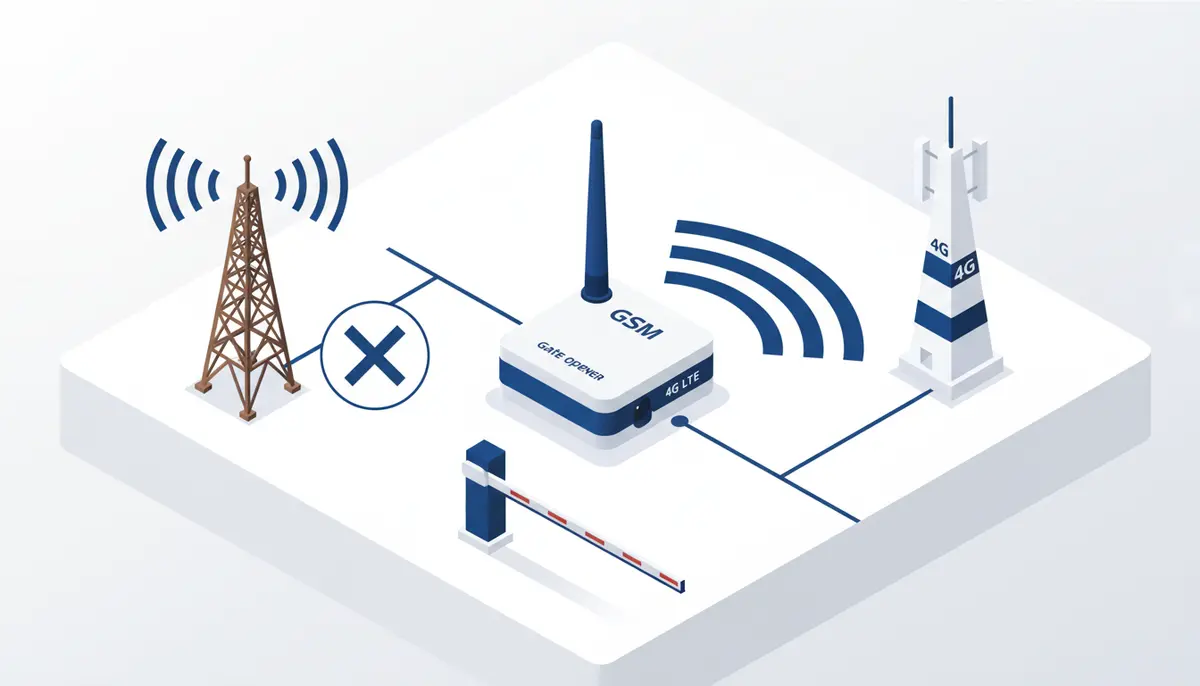
The 2G Shutdown Is Here: What It Means for Your Gate Opener
2G shutdown timeline by country, how to spot fake 4G gate opener modules, and upgrading to genuine 4G. Covers Europe, US, and Asia with carrier-specific dates.
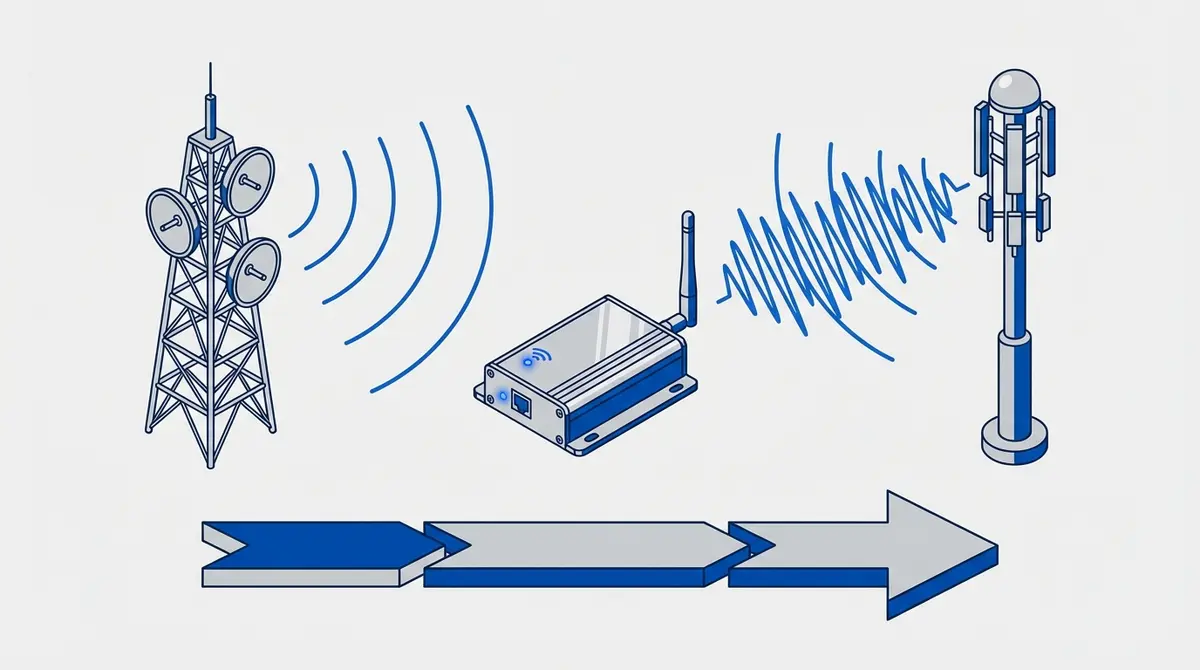
RTU5024 4G vs 2G: Do You Need the LTE Version?
RTU5024 4G vs 2G compared: identical SMS commands, different modem. 2G shutdown timelines for 10+ countries, when to buy 4G, and step-by-step migration.
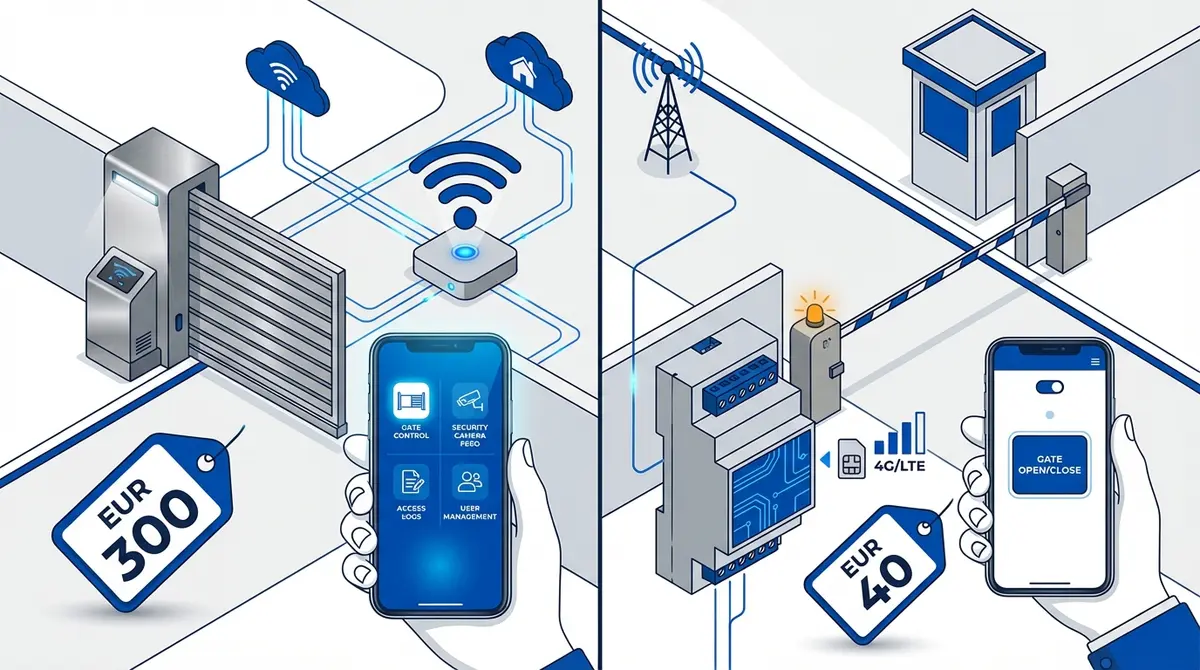
Gate Opener App vs Smart Gate Systems: 2026 Cost Guide
8 gate opener systems compared: GateOpener (EUR 40) vs Remootio (~EUR 130), Palgate, CAME, Nice, BFT, FAAC. 3-year cost, subscriptions, and privacy reviewed.