Temporären Torzugang für Gäste und Lieferanten einrichten
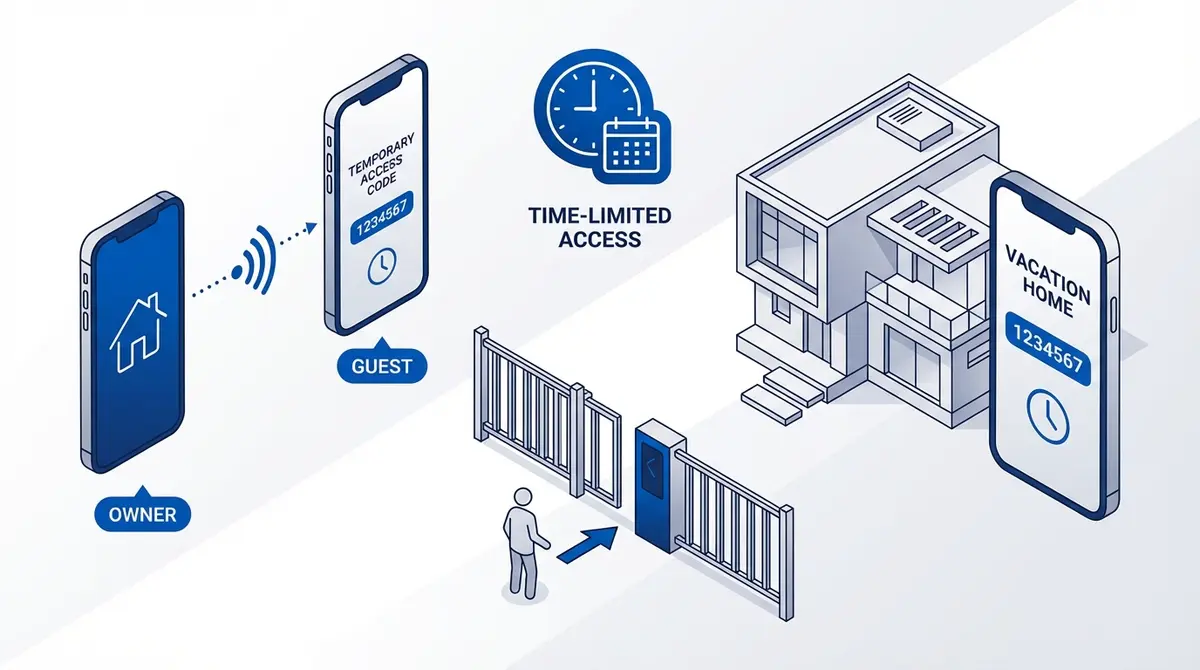
Temporären Zugang einrichten auf RTU5024 und Callny. Manuell, automatisch ablaufend, gezählt, Wochenplan.
Ein Lieferfahrer steht am Tor und du bist nicht zu Hause. Ein Gast kommt in deiner Ferienwohnung an. Ein Handwerker braucht drei Tage Zugang. Mit einem GSM-Toröffner kannst du Zugang aus der Ferne gewähren und widerrufen.
Wie funktioniert temporärer Zugang?
A GSM gate opener maintains a list of authorized phone numbers. "Temporary access" means adding a number and removing it when access should end. The key difference between modules is whether removal is manual (you do it) or automatic (the module does it after a set time or use count).
RTU5024: Hinzufügen, entfernen oder planen
The RTU5024 supports up to 200 authorized numbers (slots 001-200). Add a number permanently, or on firmware v1.7+ use time-limited access with automatic expiration -- a feature unique to the RTU5024 that Callny modules lack.
Grant permanent access (slot 150):
1234A150#+447555123456#Syntax: {password}A{slot}#{phone}#
Grant time-limited access (slot 150, Apr 10-12 2026):
1234A150#+447555123456#2604100800#2604121800#Syntax: {password}A{slot}#{phone}#{startYYMMDDHHmm}#{endYYMMDDHHmm}# — requires {password}T{YYMMDDHHmm}# clock sync first.
Revoke access (delete slot 150):
1234A150##Syntax: {password}A{slot}##
Best practice: reserve slots 001-010 for family, 100+ for temporary guests.
Callny G202: manuell mit Benutzerrollen
Works like RTU5024 (manual add/remove). The G203 variant adds a "Normal" user role that can only call to open, not manage settings. Safer for temporary guests.
Beste Methode pro Szenario
| Scenario | Best Module | Why |
|---|---|---|
| Airbnb / vacation rental | RTU5024 (v1.7+) | Time-limited access auto-expires at checkout |
| One-time delivery | RTU5024 or Callny | Add, let them in, remove |
| Contractor (3 days) | RTU5024 (v1.7+) | Time-limited access for exact date range |
| Employee (business hours) | Callny G203 | Normal user role, limited permissions |
| Family visiting | RTU5024 or Callny | Manual add, remove when done |
Tipps für temporären Zugang
Enable relay notifications
On RTU5024, send 1234GON11#GateOpen# so you get an SMS each time the gate opens. On Callny, send 1234#R# to enable relay notifications.
Use dedicated slot ranges
Slots 001-010 for permanent users, 100+ for temporary. Makes cleanup easy.
Never use Allow All mode
AA mode opens for any caller. Always use AU (authorized only) and manage the list.
Revoke immediately
Callny has no auto-expiration, so set a reminder to remove numbers. RTU5024 v1.7+ supports time-limited users that expire automatically.
Häufig gestellte Fragen
Can I give access without knowing the guest's phone number?
No. GSM gate openers authorize by caller ID. You need the phone number.
What if a guest tries after I've revoked access?
The module silently ignores unauthorized calls. The call disconnects without the gate opening.
Can I see who opened the gate?
Yes. Enable relay notifications. The module texts slot 001 with the triggering number each time.
How many temporary users at once?
RTU5024: 200 total (slots 001-200). Callny: 999 total.
Quellen
Schluss mit SMS-Befehlen?
GateOpener ersetzt kryptische Codes durch eine klare Oberfläche. Eine App für jedes GSM-Tormodul. Kein Abo, kein Konto nötig.
Verwandte Beiträge
Beste GSM-Toröffner-Module 2026: Kompletter Vergleich
RTU5024 vs Callny G202: Benutzer, Relais, Zugriffskontrolle, SIM, 4G, Preis. Welches Modul passt zu dir?
RTU5024 SMS-Befehle: Die vollständige Referenz
Vollständige RTU5024 SMS-Befehlsreferenz: Passwort, Benutzer, Relais, GOT-Timing, Benachrichtigungen, Signal. Jeder Befehl mit Syntax, Beispielen und Antworten.
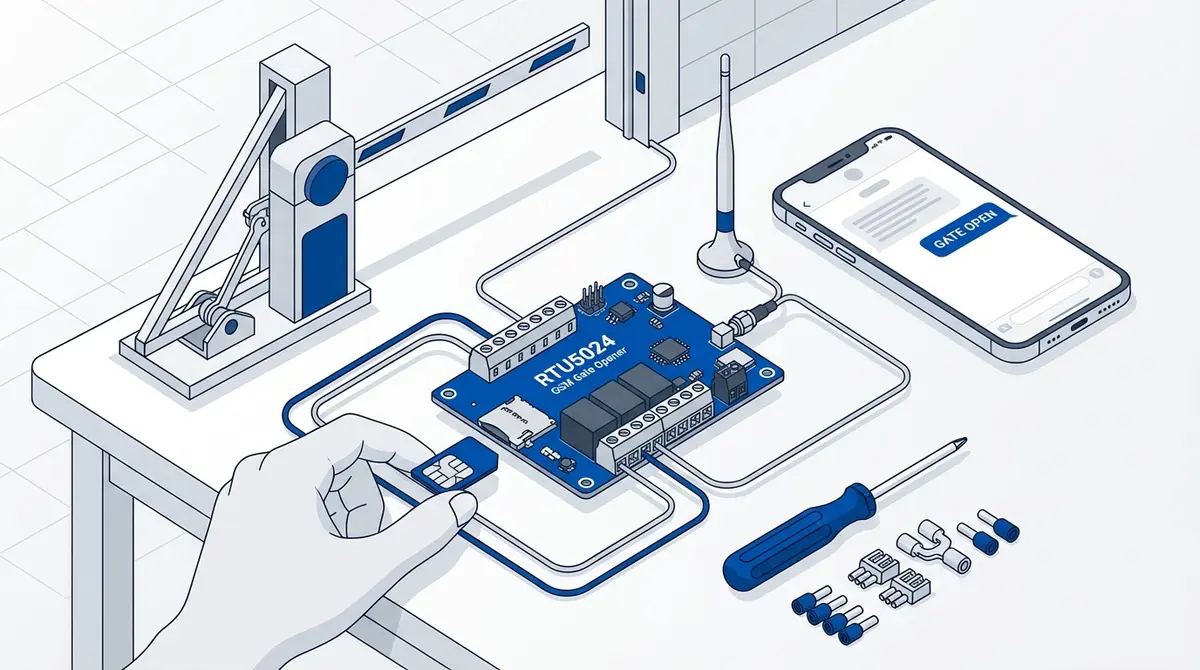
RTU5024 GSM-Toröffner einrichten: Komplettanleitung
Komplette RTU5024 Installationsanleitung: SIM-Karte, Verkabelung, Passwort, Benutzer hinzufügen und Testen. Schritt für Schritt mit SMS-Befehlen.