RTU5024 felsökning: 7 vanliga problem och lösningar
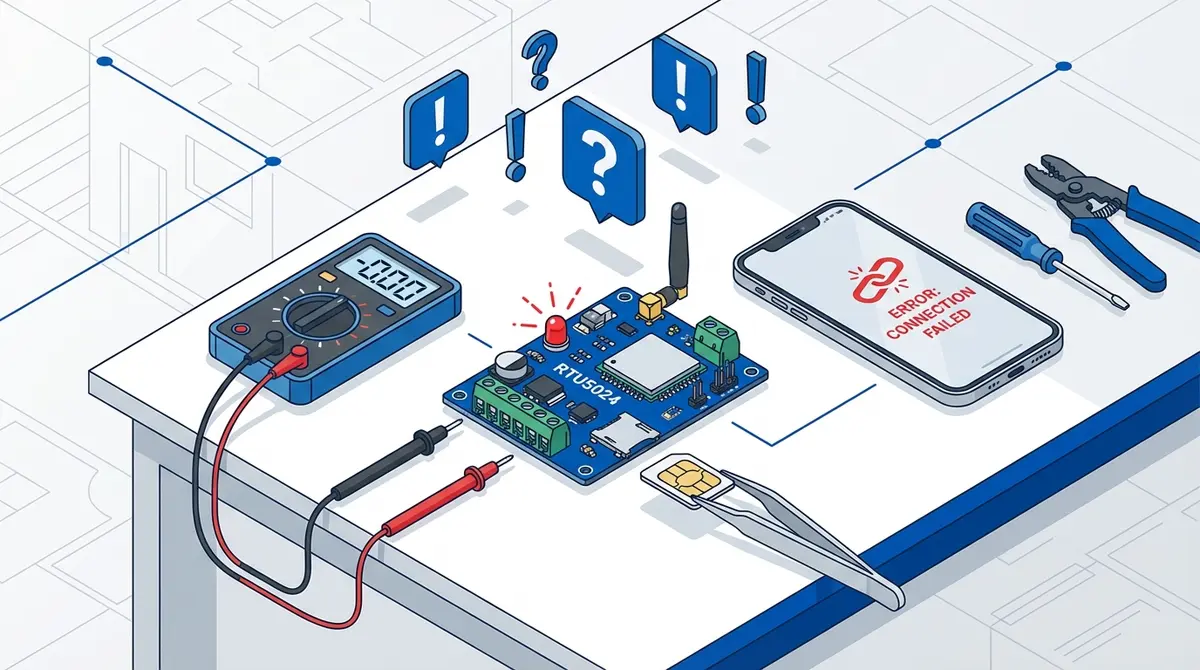
Åtgärda de 7 vanligaste RTU5024-problemen: modulen ansluter inte, Error password, inget SMS-svar, behöriga användare utlåsta, grindtiming, saknade aviseringar och moduler som slutat fungera.
Din RTU5024 fungerade felfritt i månader, och nu ignorerar den dina samtal. Eller kanske fungerade den aldrig. Hur som helst står du utanför grinden och undrar vad som gick fel.
1. Modulen ansluter inte till nätverket
The POWER LED lights up, but the SIGNAL LED blinks rapidly (once per second) and never settles into the slow blink that indicates network registration. According to the RTU5024 V2019 user manual, this is the most common problem with new installations.
SIM PIN is still active
The module can't handle PIN prompts. Remove the SIM, put it in a phone, disable the PIN lock under Settings then Security then SIM card lock, and reinsert.
No compatible network
Your carrier may have shut down its 2G network. Check the SIM card guide for 2G shutdown status by country. You may need the 4G LTE variant.
SIM not inserted correctly
Reseat the SIM. Gold contacts face down, notched corner first. You should hear a click.
Antenna not connected
The antenna screws onto the SMA connector. Make sure it's finger-tight. A loose antenna means virtually no signal.
2. SMS-svar "Error password"
You sent a command and received "Error password." The password in your command doesn't match the stored password.
Check your current password
The default is 1234 but only if it was never changed or the module was factory reset.
Check for lowercase letters
Sending 1234p5678 instead of 1234P5678 will fail. The RTU5024 requires all command letters in uppercase.
Factory reset
Hold the RESET button for 10 seconds while powered on. Restores password to 1234, erases settings, keeps phone numbers.
3. SMS-kommandon får inget svar
You send a command and nothing happens. No reply, no error.
Lowercase letters in the command
The RTU5024 silently ignores non-matching SMS. Check CAPS LOCK and auto-correct.
SIM has no SMS credit
Prepaid SIMs need credit to send replies. The command may have worked even without a confirmation. Test by calling the module.
Module is off or not on network
POWER LED should be solid, SIGNAL should blink slowly. If not, see Problem 1.
Wrong phone number
Verify the SIM card's number by inserting it into a phone.
4. Behöriga användare kan inte öppna grinden
Numbers are stored but calling the module does nothing. The call rings and eventually disconnects.
Missing country code
This is the most common cause. Delete and re-add with the full international prefix (+44, +1, +31).
Set authorized-only access mode
1234AUT#Ensures only stored numbers can trigger the relay. If it was accidentally set to ALL (anyone can call), this fixes it.
Disable voicemail on the SIM
Voicemail can intercept calls before the module processes them. Disable it via your carrier or dial ##002# from a phone with the SIM.
Check signal strength
1234EEReturns relay state, signal strength, and firmware info. If signal is below 10, reposition the antenna or use an external one.
5. Grinden öppnas men stängs inte
The relay triggers but the gate behavior isn't right.
Increase the GOT relay time
1234GOT005#Default is 0.5s (GOT000), too short for most gates. GOT005 = 5 seconds. Values are 3-digit zero-padded seconds (000-999). See the command reference for the full GOT table.
Check COM/NO/NC wiring
Use COM + NO for most gates. If wired to COM + NC, behavior is inverted. Swap the wire from NC to NO.
Test with a multimeter
Disconnect the gate motor. Check continuity between COM and NO when calling. If the relay clicks and shows continuity, the RTU5024 is fine and the issue is the gate motor wiring.
6. Reläets SMS-aviseringar kommer inte
You enabled notifications but slot 001 isn't receiving them.
Check slot 001
1234A001#Verify a valid number with country code is stored at slot 001. Notifications are sent to the first authorized user.
Check SIM credit
Each notification costs one SMS. Zero balance = silent failures.
Enable relay ON notifications
1234GON11#GateOpen#Sends "GateOpen" to both slot 001 and the caller when the relay activates. Use 1234GOFF## to disable relay OFF notifications.
7. Modulen fungerade men slutade svara
Was working for weeks or months, then suddenly stopped. No config changes.
SIM card expired
Prepaid SIMs deactivate after 3-12 months of inactivity. Insert into a phone to check. Top up or replace if expired.
2G network shutdown
Your carrier may have recently dropped 2G in your area. Module powers on but can't register. Need a 4G variant.
Power supply degradation
Measure voltage at V+ and GND with a multimeter. Must be 9-36V DC. Replace adapter if voltage is low.
SIM contact corrosion
In damp environments, gold contacts corrode. Remove, clean with a dry cloth, reinsert. Consider an IP-rated enclosure.
När du ska fabriksåterställa
Last resort. Erases all settings (password, GOT, access mode, notifications) but retains stored phone numbers. Press RESET for 10 seconds while powered on. Password reverts to 1234.
After reset, reconfigure: change password, set GOT timing, enable notifications if needed, confirm access mode. For the full setup, see the RTU5024 setup guide.
Clone firmware?
If commands with # delimiters (like 1234#ON#) work but the commands in this guide do not, your RTU5024 likely runs Callny-compatible clone firmware. Try the Callny G202 commands instead.
Skippa felsökningen med GateOpener
Most problems in this guide stem from SMS command syntax errors. GateOpener eliminates these by handling syntax, password insertion, and input validation. The app shows plain-language error messages and lets you check signal, query settings, and manage users visually.
- Error prevention: validates commands before sending
- Signal monitoring: check signal strength visually without commands
- User management: country code auto-detection from contacts
- EUR 5.99 one-time, no subscription, no cloud
Vanliga frågor
How do I factory reset an RTU5024?
Hold RESET for 10 seconds while powered on. Restores password to 1234, erases settings, keeps phone numbers.
Why does my RTU5024 say "Error password"?
The password doesn't match. Changed password, lowercase letters, or spaces in the command. Factory reset if forgotten.
My RTU5024 stopped working after months. What happened?
Most likely: prepaid SIM expired from inactivity, or your carrier shut down 2G. Check SIM in a phone. If carrier dropped 2G, need a 4G module.
Can I test the relay without a gate connected?
Yes. Multimeter on continuity, probes on COM and NO, call the module. Relay clicks, continuity shows for the GOT duration.
What signal strength does the RTU5024 need?
Send 1234EE to check status including signal strength. Range 0-31. Above 12 usable, above 16 recommended. Below 10 = unreliable.
Källor
Manufacturer Documentation
- RTU5024 User Manual V2019 — Official troubleshooting
Related Content
Redo att slippa SMS-kommandona?
GateOpener ersätter kryptiska koder med ett rent gränssnitt. En app för alla GSM-grindmoduler. Inget abonnemang, inget konto behövs.
Relaterade inlägg
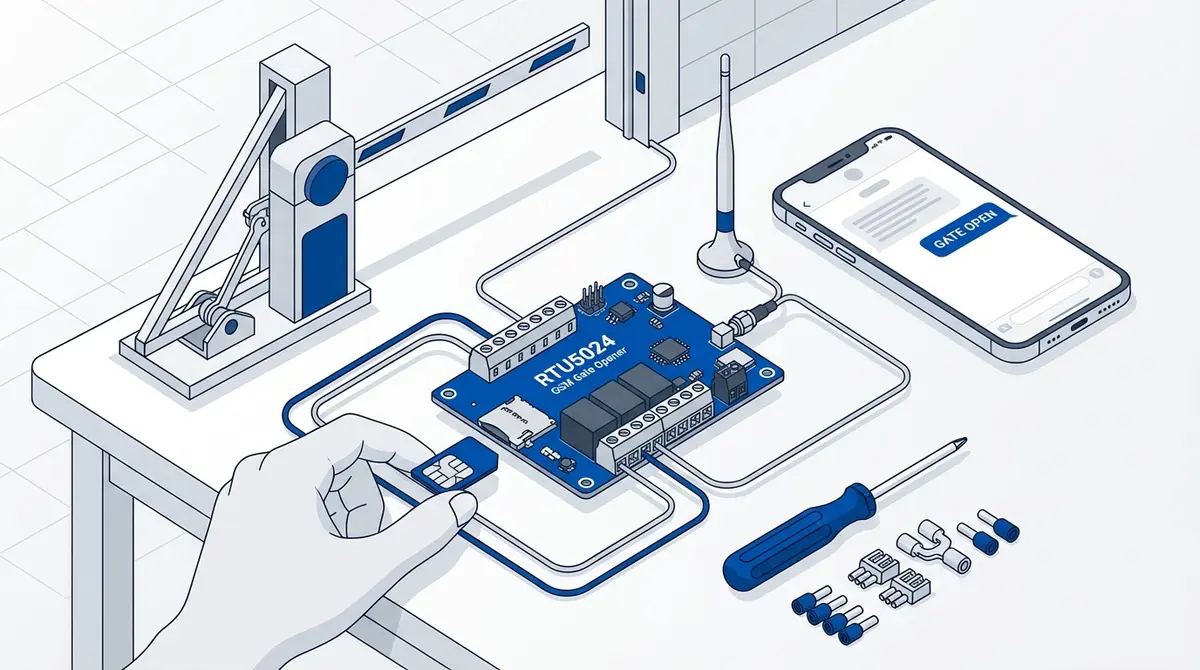
Installera RTU5024 GSM-grindöppnare: komplett guide
Komplett installationsguide för RTU5024: SIM-kort, koppling, lösenord, lägga till användare och test. Steg för steg med SMS-kommandon.
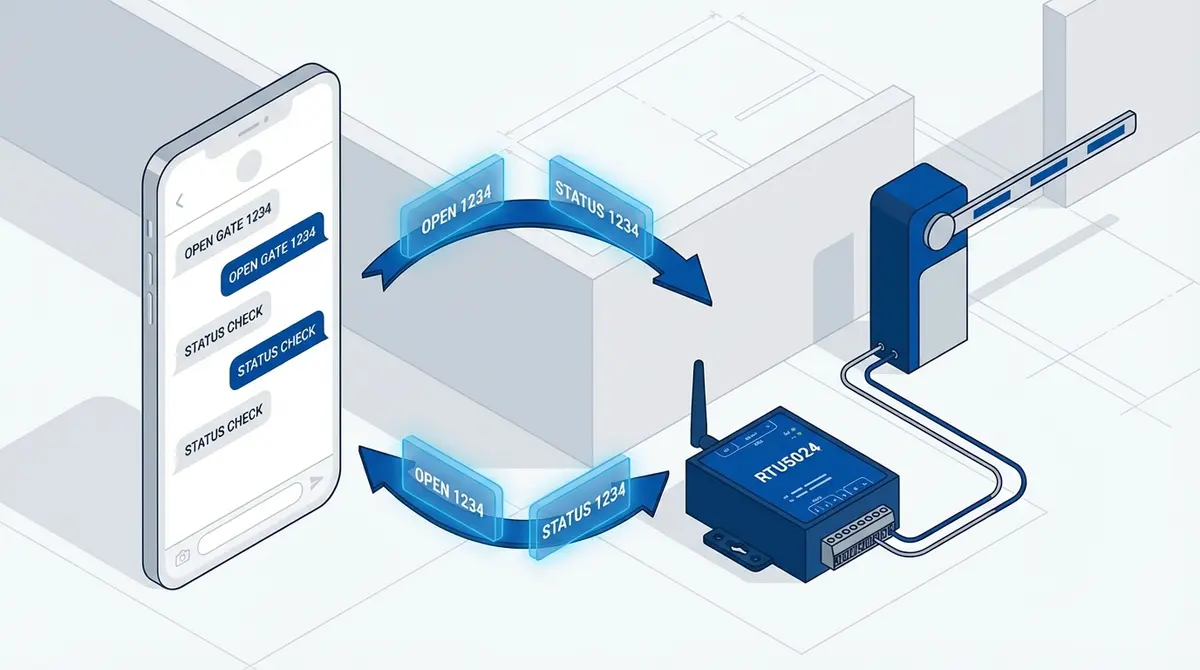
RTU5024 SMS-kommandon: komplett referens
Komplett RTU5024 SMS-kommandoreferens: lösenord, användare, relä, GOT-timing, aviseringar, signal. Varje kommando med syntax, exempel och svar.
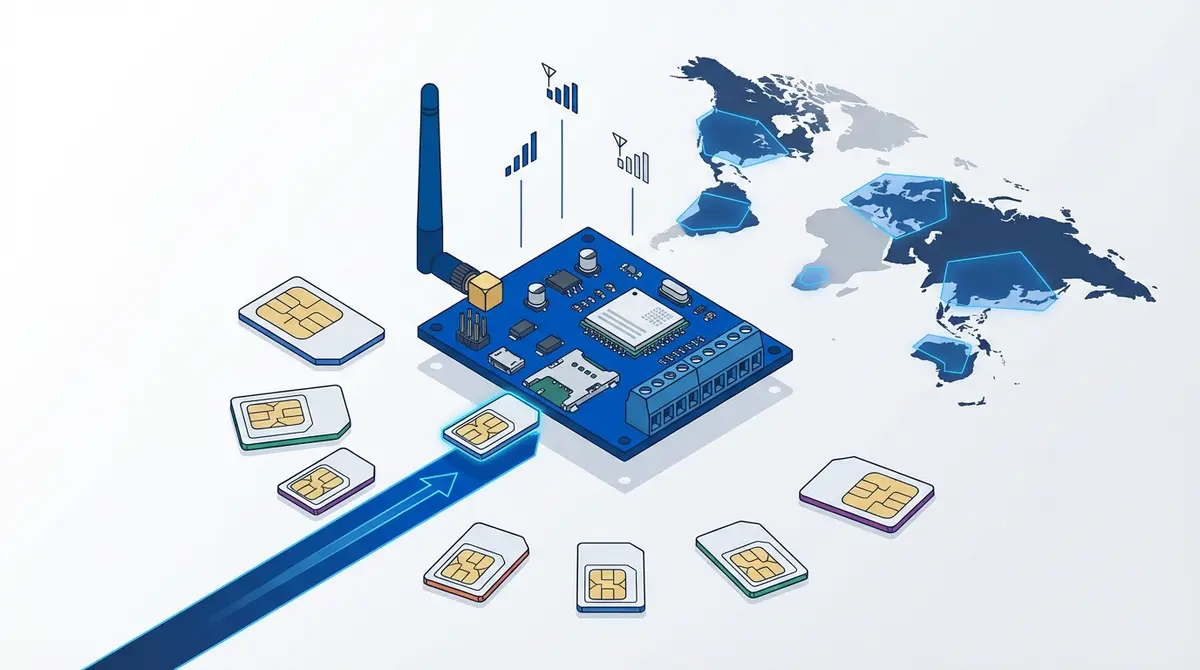
Vilket SIM-kort fungerar bäst för GSM-grindöppnare?
SIM-kortsguide för GSM-grindöppnare: storlekar, kontantkort vs abonnemang, PIN, 2G-status och operatörsval.