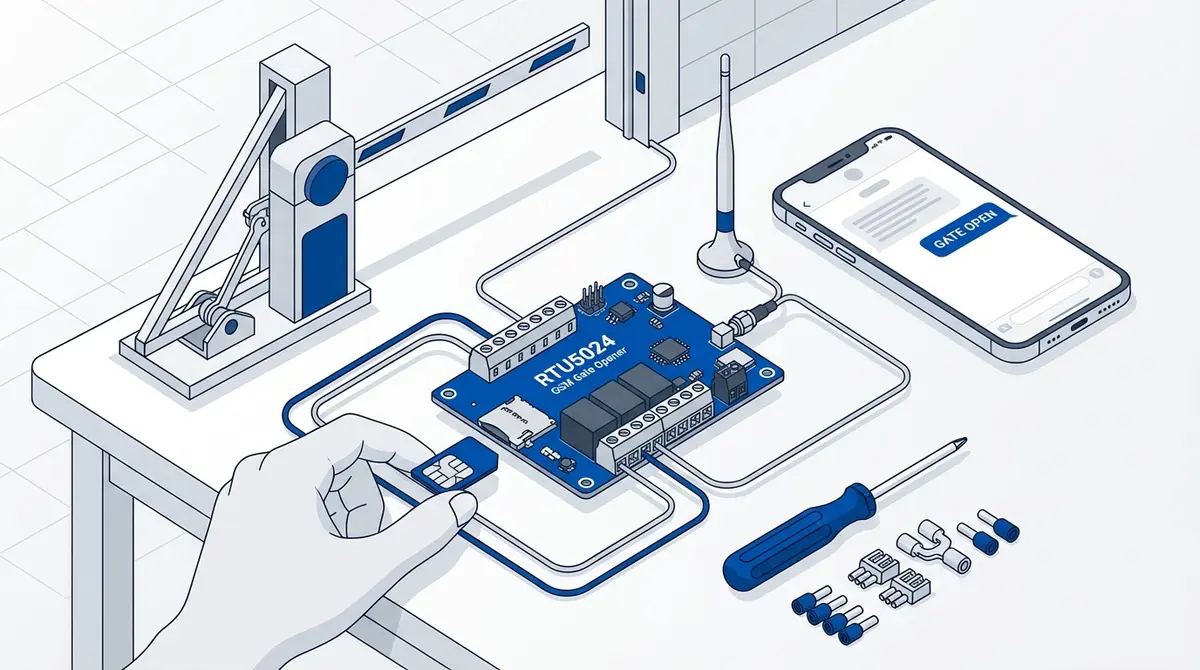
RTU5024 SMS-kommandoer: komplett referanse
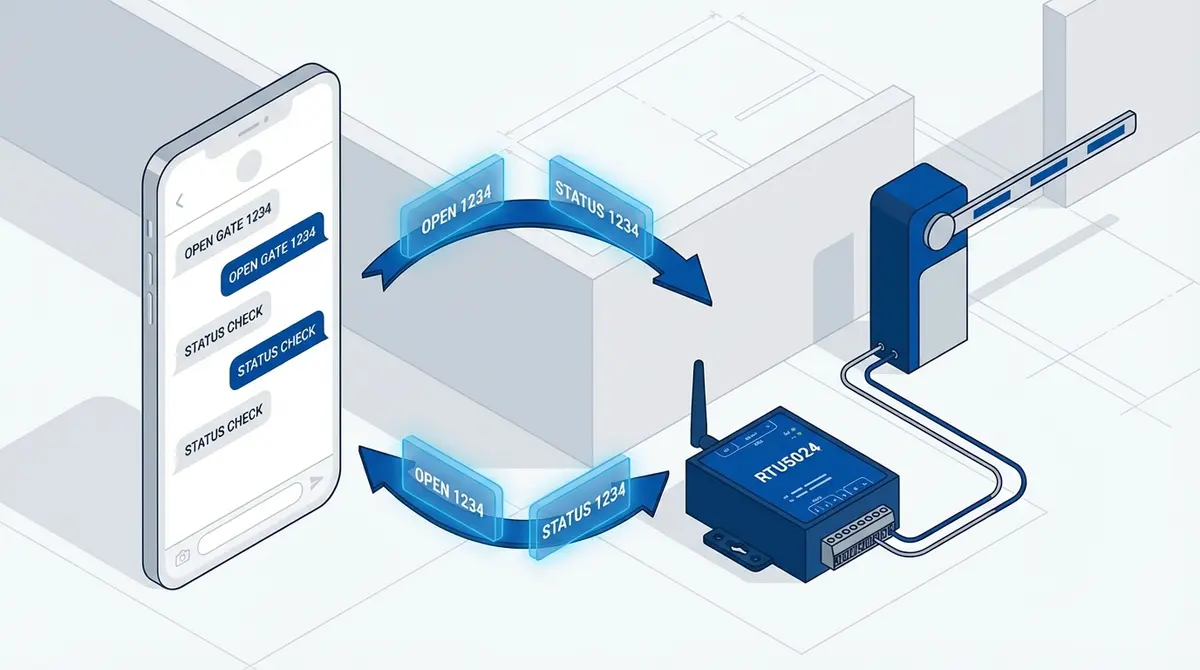
Hver RTU5024 SMS-kommando forklart med nøyaktig syntaks, eksempler, forventede svar og feilsøking. Passordadministrasjon, brukerautorisasjon, relékontroll, GOT-timing, varsler og signaldiagnostikk.
Du står ved porten med telefonen og prøver å huske om det er 1234P eller P1234. Manualen er en 15-siders PDF på dårlig engelsk uten søkefunksjon. Modulen svarte nettopp "Error password" og du aner ikke hvorfor.
Hvordan fungerer RTU5024 SMS-kommandoer?
The RTU5024 processes SMS commands sent to the SIM card number inside the module. According to the RTU5024 v1.7 user manual, every command follows the same structure: your 4-digit password directly followed by a command code and any parameters. There are no hash delimiters between the password and the command. The default password is 1234.
Three rules apply to every command:
- 1.Commands must be uppercase. Sending
1234p5678does nothing. The RTU5024 only processes capital letters. - 2.The password goes first, with no separator. Every command starts with your 4-digit password directly followed by the command code. For example,
1234CCmeans password1234+ commandCC. - 3.No spaces. The entire command is one continuous string. Some commands end with
#and some don't — follow the exact format shown below.
Passordkommandoer
How Do I Change the RTU5024 Password?
To change the password, send your current password followed by P and the new 4-digit password.
Command: {password}P{new}
1234P5678Response: Password changed to 5678, please remember it carefully.
The password must be exactly 4 digits, numbers only. If you forget it, press and hold the hardware RESET button for 10 seconds while powered on. This restores 1234 but erases all settings except stored phone numbers.
Brukeradministrasjon
How Do I Add an Authorized Phone Number?
Only numbers on the authorized list can trigger the relay by calling the module.
Command: {password}A{slot}#{phone}#
1234A001#+447912345678#Response: User added confirmation
Slots range from 001 to 200. Always include the full international country code. Slot 001 is the admin slot: it receives SMS notifications when the relay activates (if enabled).
How Do I Check Who Is in a Slot?
Command: {password}A{slot}#
1234A002#Response: +447912345679 or Empty
How Do I Delete a User?
Command: {password}A{slot}##
1234A012##Response: User deleted
Tilgangskontroll
How Do I Set the Access Mode?
The RTU5024 has two modes: authorized users only (recommended) and allow all callers.
Authorized users only (default, recommended):
1234AUT#Response: Authorized only mode set
Allow all callers (security risk):
1234ALL#Response: Allow all mode set
The ALL mode is for testing only. Leaving it active means anyone who knows your module's number can open your gate. The RTU5024 v1.7 does not have a command to query the current access mode — keep track of which mode you set.
Relékommandoer
How Do I Open the Gate via SMS?
Most users trigger the relay by calling (free, no SMS cost). But you can also control it via SMS.
Relay ON:
1234CCResponse: Relay ON (or custom GON content)
Relay OFF:
1234DDResponse: Relay OFF (or custom GOFF content)
How Do I Set the Relay Close Time (GOT)?
The GOT value controls how long the relay stays closed when triggered. According to the RTU5024 v1.7 documentation, the value is a 3-digit number in seconds (zero-padded).
Command: {password}GOT{seconds}#
1234GOT005#Sets relay to 5 seconds. Response: Relay time set
| Command | Duration | Use Case |
|---|---|---|
| GOT000 | 0.5 second latch | Quick pulse trigger |
| GOT001 | 1 second | Short pulse |
| GOT003 | 3 seconds | Most gate motors |
| GOT005 | 5 seconds | Slower gate motors |
| GOT010 | 10 seconds | Heavy sliding gates |
| GOT030 | 30 seconds | Extended access window |
| GOT999 | Toggle (stays on) | Stays closed until next call |
The RTU5024 v1.7 does not have a command to query the current GOT value. Keep a note of what you set, or use the GateOpener app which tracks it for you.
Varslingskommandoer
How Do I Set Up Relay Action Notifications?
The RTU5024 uses the GON and GOFF commands to configure SMS notifications when the relay turns on or off. You control who gets notified and what the SMS says.
Notify both admin (slot 001) and caller when relay turns ON:
Command: {password}GON{ab}#{content}# — a=notify admin (0/1), b=notify caller (0/1)
1234GON11#GateOpen#Response: Confirmation set
Notify only the caller when relay turns OFF:
1234GOFF01#GateClosed#Disable ON notifications:
1234GON##Disable OFF notifications:
1234GOFF##Diagnostikkkommandoer
How Do I Check Status and Signal Strength?
The RTU5024 has a single status command that returns relay state, signal strength, and device information all at once.
Command: {password}EE
1234EEResponse: Relay: ON/OFF, Signal: NN
According to the RTU5024 technical specifications, a signal value above 12 is usable and above 16 is recommended. A value of 0 means no signal. If consistently below 10, reposition the antenna or use an external antenna.
Komplett kommandoreferanse
| Command | Syntax | Example | Response |
|---|---|---|---|
| Initialize | {pwd}TEL{SIM}# | 1234TEL00861351015# | Set Success! |
| Change password | {pwd}P{new} | 1234P5678 | Password changed to 5678 |
| Add user | {pwd}A{slot}#{phone}# | 1234A001#+4471234# | User added |
| Query user | {pwd}A{slot}# | 1234A002# | Number or Empty |
| Delete user | {pwd}A{slot}## | 1234A012## | User deleted |
| Authorized only | {pwd}AUT# | 1234AUT# | Authorized only mode set |
| Allow all | {pwd}ALL# | 1234ALL# | Allow all mode set |
| Relay ON | {pwd}CC | 1234CC | Relay ON |
| Relay OFF | {pwd}DD | 1234DD | Relay OFF |
| Set relay time | {pwd}GOT{secs}# | 1234GOT005# | Relay time set |
| ON notification | {pwd}GON{ab}#{text}# | 1234GON11#GateOpen# | Confirmation set |
| OFF notification | {pwd}GOFF{ab}#{text}# | 1234GOFF01#Closed# | Confirmation set |
| Disable ON notify | {pwd}GON## | 1234GON## | Notification disabled |
| Disable OFF notify | {pwd}GOFF## | 1234GOFF## | Notification disabled |
| Check status | {pwd}EE | 1234EE | Relay/signal/info |
Vanlige feil
"Error password" response
Wrong password. If you changed it and forgot, factory reset by holding the RESET button for 10 seconds. Or check for a space or lowercase letter in your command.
No response at all
Most likely cause: lowercase letters in the command. Check CAPS LOCK and that auto-correct hasn't changed your input. Also verify the SIM has SMS credit.
User added but can't open gate by calling
The phone number was stored without the country code. Delete the user and re-add with the full international prefix (+44, +1, +31, etc.).
GOT time seems wrong
GOT values are 3-digit zero-padded seconds. GOT005 = 5 seconds. GOT000 is special: a 0.5-second latch.
Relay action SMS not received
Notifications are disabled by default. Enable with 1234GON11#GateOpen#. Also check that slot 001 has a valid phone number.
Commands with # delimiters don't work
Some RTU5024 clones use a different firmware with Callny-compatible commands (e.g. 1234#ON# instead of 1234CC). If your device doesn't respond to the commands on this page, your unit likely runs Callny-compatible firmware. Try Callny G202 commands instead.
Hopp over SMS-kommandoene med GateOpener
Every command on this page (all 15 of them, plus the parameter variations) becomes a button, a slider, or a toggle in GateOpener. The app knows the RTU5024 command syntax, inserts your password automatically, validates your input before sending, and shows plain-language responses instead of cryptic SMS replies.
- Password management: change and store securely, no memorizing
- User management: add, remove, and view users with a contact-picker interface
- Relay timing: set GOT with a slider instead of calculating half-seconds
- EUR 5.99 one-time, no subscription, no cloud: all data stays on your phone
Vanlige spørsmål
Do all RTU5024 versions use the same commands?
The commands listed here follow the RTU5024 v1.7 protocol. Some Chinese knockoffs and later firmware versions (v2.0+) use a different syntax with # delimiters between the password and command (Callny-compatible). If these commands don't work on your unit, try the Callny G202 commands instead.
Can I send multiple commands in one SMS?
No. The RTU5024 processes one command per SMS. Send each setting change as a separate message.
Does it cost money to open the gate?
Opening by calling is free. The module rejects the call after one ring. SMS commands cost your standard SMS rate.
What happens if I send a command from an unauthorized number?
In AUT mode (authorized only), commands from unauthorized numbers are ignored. In ALL mode, any number can send commands.
Kilder
Manufacturer Documentation
- RTU5024 User Manual V2019 (PDF) — King Pigeon / BLIIoT official user manual
- RTU5024 Product Page — BLIIoT product specifications
Related Content
- RTU5024 Setup Guide — Complete setup from unboxing to first gate open
- RTU5024 Command Reference — Quick-reference command page
Klar for å droppe SMS-kommandoene?
GateOpener erstatter kryptiske koder med et rent grensesnitt. Én app for alle GSM-portmoduler. Ingen abonnement, ingen konto nødvendig.