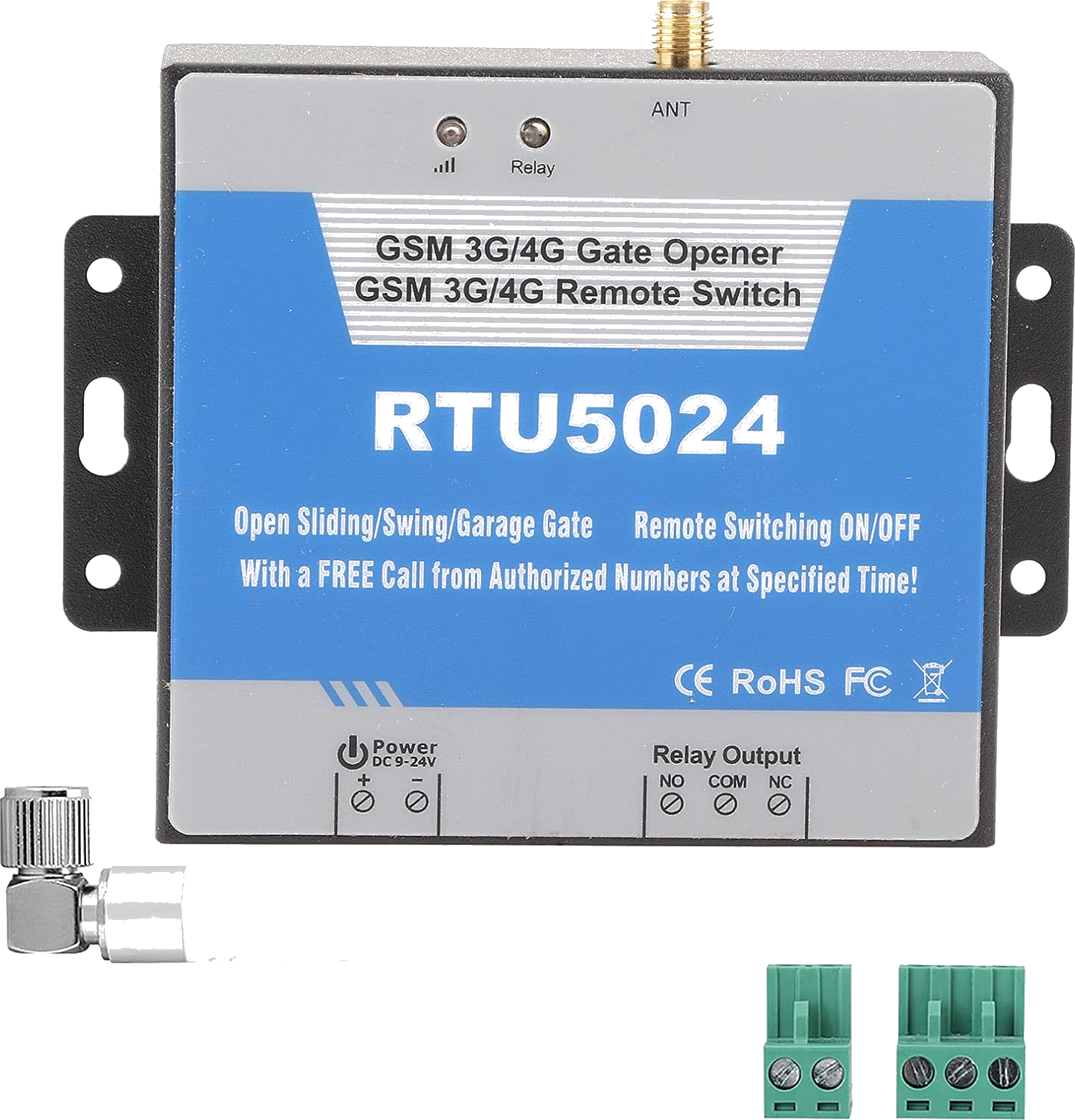
RTU5024 Verified
RTU5024
by King Pigeon / BLIIoT / Huobei
Also known as: RTU5024, RTU5024 4G, RTU5024 V2
Manufacturer King Pigeon / BLIIoT / Huobei
Protocol RTU5024
Default password 1234
Max users 999
Relays 1
Power supply DC 9-36V
SIM type Standard SIM
Relay rating 3A / 240VAC
Operating temp -10 to +60 C
Dimensions 88 x 62 x 25 mm
Most used commands
View all →Initialize (REQUIRED first step)
Register the module's SIM card number. This is the FIRST command you must send. Use 00 prefix instead of +.
Syntax:
{pwd}TEL{moduleSIM}# Example:
1234TEL00861351015# Sync clock
Set the module's internal clock. Required for time-limited users to work correctly.
Syntax:
{pwd}T{YYMMDDHHmm}# Example:
1234T2603291530# Change password
Change device password to new 4-digit password.
Syntax:
{pwd}P{newpwd} Example:
1234P6666 Add permanent user
Add authorized user to slot (001-200). Always allowed to call and control.
Syntax:
{pwd}A{slot}#{phone}# Example:
1234A003#123456# Add time-limited user
Add user with access limited to a date/time range. Clock must be synced first.
Syntax:
{pwd}A{slot}#{phone}#{startYYMMDDHHmm}#{endYYMMDDHHmm}# Example:
1234A016#123456#1502050800#1502051000# Skip the SMS commands
GateOpener translates all these commands into a clean interface. Add users, configure settings, and open your gate — without remembering a single code.
Download GateOpener